
Planet Coaster 2 Add Staff To Zone: Assignment Guide
Planet Coaster 2 add staff to zone explained: assign staff through their schedules, choose job duties, and arrange local breaks to keep your park running.
Jump to
How to Add Staff to a Zone
Painting a staff zone is only half the job. The Planet Coaster 2 add staff to zone workflow also requires assigning employees through their personal schedules. That gives your workers a designated area instead of leaving them to roam across the park.
The steps below cover the PC staff-management interface.
- Open Staff, then Staff Zones. Create and paint the area you want employees to cover, or select an existing zone.
- Select an employee. Open their personal plan or access their assignments through the staff schedule.
- Edit their work assignment. Choose the staff-zone assignment and select the zone you painted.
- Choose their duties. Set the tasks or building types that employee should handle within the area.
- Review their schedule. Check the work assignments and arrange a break, including a specific staff building when needed.
- Repeat for the remaining employees. In this interface, assigning a zone requires working through employees individually.
Creating a zone and assigning staff are separate actions. After painting an area, open the schedule and check that the intended employees actually have that zone assigned.
Official page: Planet Coaster 2 (planetcoaster.com)
Choose Between Zone Assignments and Specific Jobs
A staff zone defines a working area, while a direct assignment targets a particular ride or building. An employee assigned to a specific ride does not also need a zone simply to work that attraction.
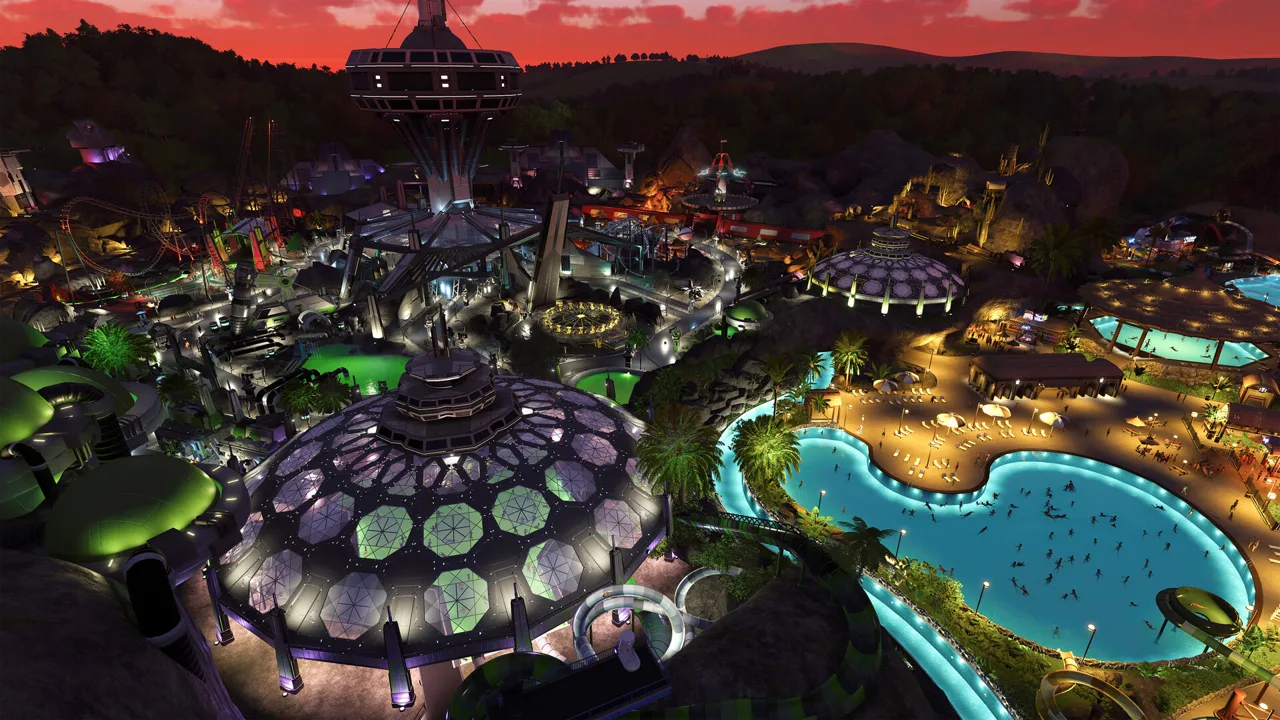 Image: Steam / Frontier Developments
Use the schedule’s filters to review employees by staff category, staff zone, building type, or building name. When checking a ride’s staffing, look for direct assignments too: a zone-filtered view does not tell the whole story.
Match each employee’s duties to the work you need covered:
- Vendors: Assign the zone and choose which shop types they can attend.
- Ride attendants: Assign them to the relevant area or a specific attraction.
- Janitors: Give them a defined area to cover, then review their available cleaning duties.
- Mechanics: Choose between research and maintenance work. Maintenance assignments can distinguish rides from infrastructure.
Keep duties broad within a compact shopping area unless you need tighter control. In a spread-out section, narrow assignments to keep employees focused on the facilities you want them to cover.
Before adding more workers, inspect the zone’s rides, shops, and facilities. Count the actual workplaces that need staffing rather than judging demand by the size of the painted area.
Assign Nearby Break Rooms and Stagger Breaks
Work assignments and break destinations deserve separate attention. The staff schedule lets you specify a staff building for an employee’s break, including employees assigned directly to a ride.

Choose a nearby staff building to shorten the walk between work and rest. Then check its capacity against the employees scheduled to use it.
Stagger breaks among workers covering the same facilities. Sending several vendors away together can leave a shopping area short of coverage even when the total headcount looks generous.
For a coverage-heavy setup, try assigning two vendors per shop and separating their breaks. A zone with five shops would use ten vendors under that arrangement. Treat that as a staffing choice rather than a mandatory ratio; adjust hiring to your budget and the coverage you need.
Check Assignments When a Zone Still Has Problems
If rides remain unattended or cleaning falls behind, inspect the employee’s assignment before hiring another batch of staff.
- Check the selected zone. Open the employee’s schedule and make sure it points to the intended area.
- Check permitted duties. A mechanic assigned to research has a different job from one assigned to service rides.
- Check direct assignments. Review specific ride and building assignments alongside zone assignments.
- Check break access and capacity. Inspect the assigned staff building and the number of employees trying to rest there.
- Inspect zone borders from above. Paint carefully around facilities near an edge, then review which buildings appear in the zone.
Test a small section before reorganizing the entire park. Assign its workers, arrange their breaks, and watch whether they reach their workplaces and staff buildings. Expand the setup once that section has the coverage you intended.
Continue with
 Planet Coaster 2 Constant Maintenance: Fix Ride UpkeepTackle Planet Coaster 2 constant maintenance problems with mechanic schedules, smaller staff zones, service badges, and refurbishments to cut downtime.
More in Management
Planet Coaster 2 Guests Stuck on Path: How to Fix It
Planet Coaster 2 guests stuck on path? Repair broken connections, move trapped groups, and ease crowded walkways with practical path-building fixes to try.
Planet Coaster 2 Management Guide: Build for Profit
Use this Planet Coaster 2 management guide to organize staff, fix power problems, improve guest happiness, and grow a profitable theme park. Build smart.
Join the community
Official channels for news, updates and player help: