Planet Coaster 2 Guests Stuck on Path: How to Fix It
Planet Coaster 2 guests stuck on path? Repair broken connections, move trapped groups, and ease crowded walkways with practical path-building fixes to try.
Jump to
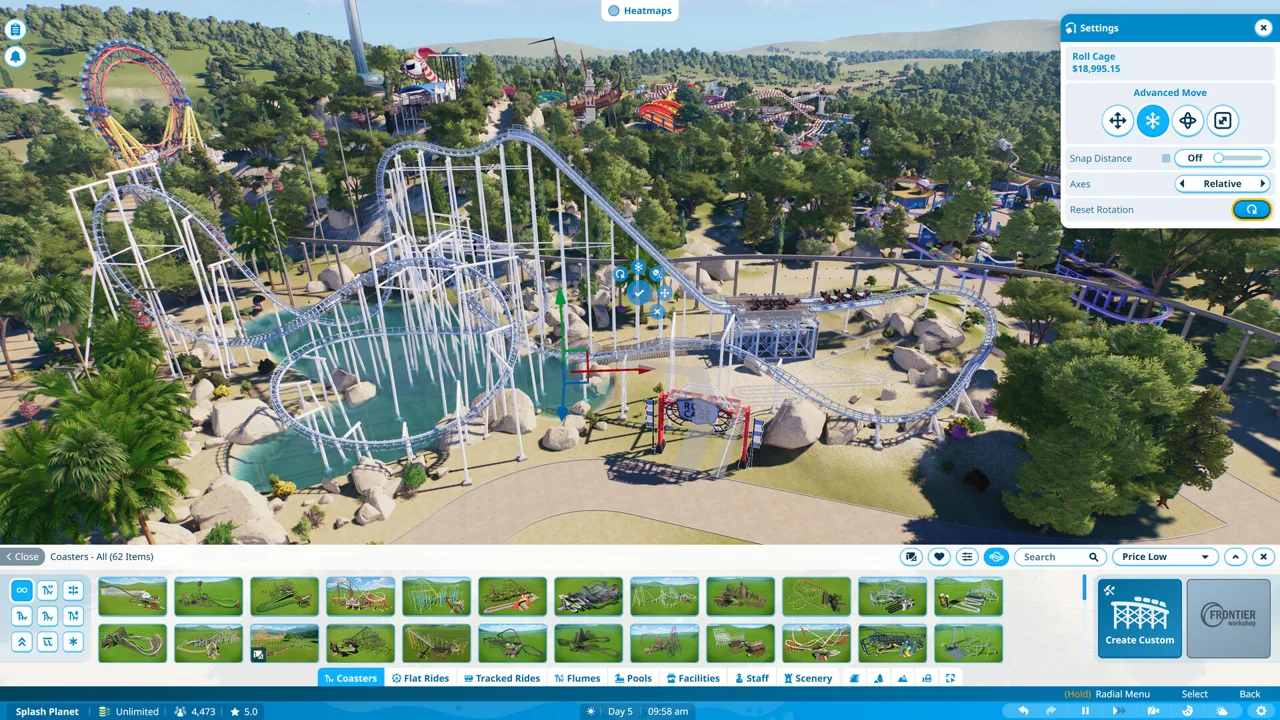
How to Fix Guests Stuck on a Path
Planet Coaster 2 guests stuck on path sections can turn a carefully planned walkway into a recurring management headache. Start by checking for broken connections and moving stranded guests onto a connected path. Then tackle the layout problems that keep trapping new groups.
Work through the affected area in this order:
- Pause the game and locate the trapped guests. Use the notification menu on the left to find the affected group.
- Inspect the surrounding paths. Look for incomplete connections, noticeable breaks, or sections disconnected during construction.
- Repair the affected connection. If necessary, delete the problem section and rebuild it between the adjoining paths.
- Move stranded guests. Select the guest and use the relocation option in the menu on the right to place them somewhere safe on the connected network.
- Resume the simulation and watch the route. Check whether other groups can cross the repaired section without stopping.
Relocation handles the immediate problem. If groups keep becoming trapped in the same place, continue inspecting that section rather than repeatedly moving everyone away.
Official page: Planet Coaster 2 (planetcoaster.com)
Reconnect Broken Paths Before Expanding Them
An empty walkway can still have a connection problem. Guests can become stranded after path editing, and a section that appears spacious does not automatically provide a usable route.
 Image: Steam / Frontier Developments
Inspect the place where movement stops, particularly around recently placed buildings or edited junctions. Delete and rebuild the affected segment, and move a nearby building if it interferes with repairing the connection.
Keep the repair focused. Rebuilding a short section lets you check that connection before changing the surrounding plaza.
The Line Builder provides point-to-point construction, with straight and curved paths, snapping options, and adjustable widths. Use it to create a simple replacement connection while troubleshooting.
Rebuilding can help, but the problem can return. If one group passes through while another remains stuck, move the stranded group and watch additional traffic before treating the repair as complete.
Widen Busy Walkways and Create Open Plazas
When guests are crowded together and still making slow progress, address the bottleneck.
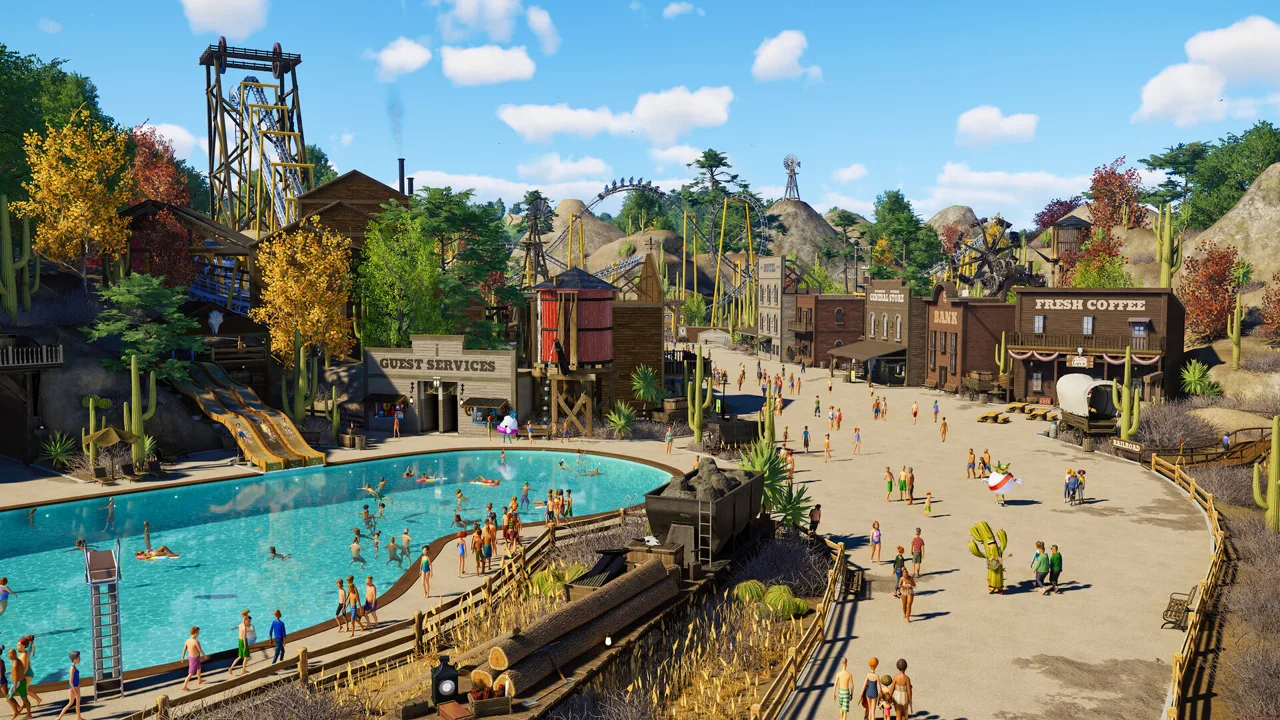 Image: Steam / Frontier Developments
Use the Edit Tool to reshape existing path borders and give busy areas more room. Prioritize routes around popular rides and facilities rather than widening every quiet walkway.
For larger gathering areas, use the Draw Tool or Stamp Tool to create a plaza:
- Draw the outline of an open area and let the tool fill it.
- Place adjoining stamps to expand the walking surface.
- Enable point snapping when aligning stamp edges with existing paths.
- Use the stamp grid when working with tessellating shapes such as squares or hexagons.
Watch the connections into the plaza, too. Widen a narrow approach alongside the open space so guests have room to enter and leave.
Keep routes simple around elevation changes. Inspect steep sections when tracing where guests stop, especially if the trouble began after editing the walkway.
Keep Queues and Facilities Away From Bottlenecks
A ride queue or busy concession area can put extra pressure on the main path. Give waiting guests space without forcing passing traffic through the same narrow section.
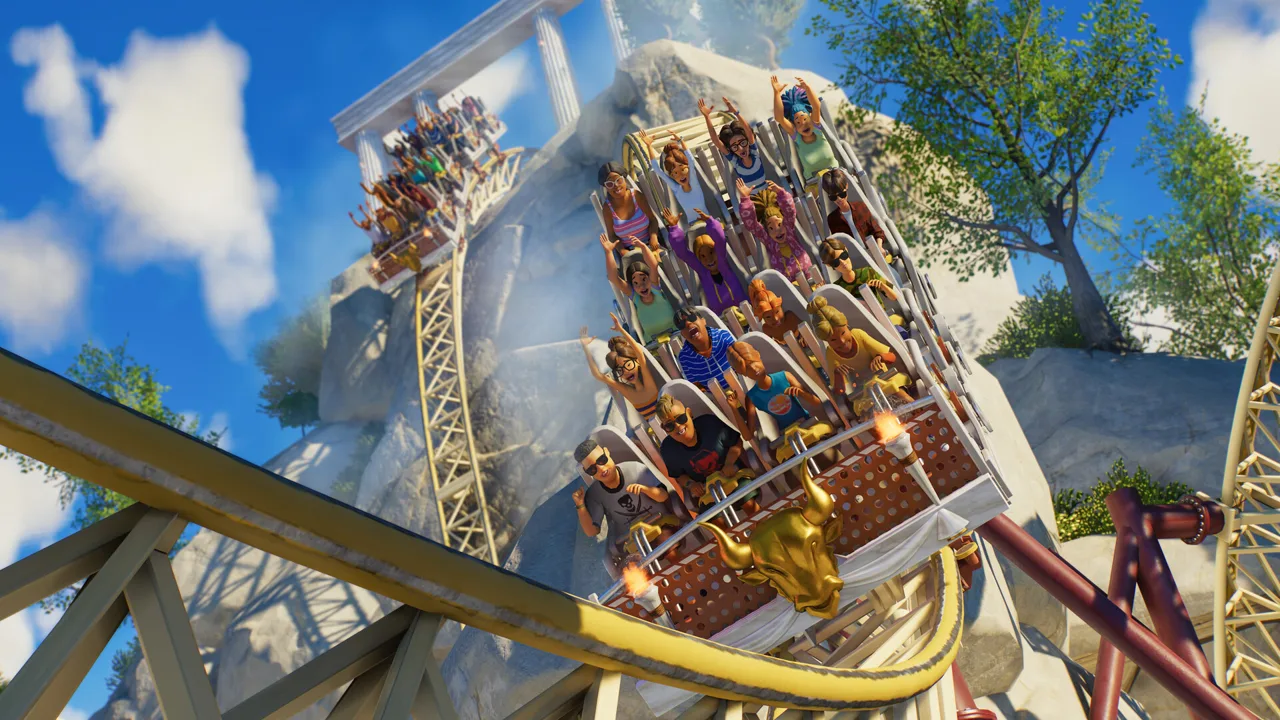 Image: Steam / Frontier Developments
Extend ride queues where waiting guests are spilling onto the walkway. For food and drink facilities, create a wider service area instead of lining a cramped route with counters.
Separate ride entrance traffic from exiting guests where the layout allows it. Direct the exit toward another path rather than feeding everyone back into the entrance bottleneck.
Also inspect benches, bins, and other objects around crowded sections. Move them away from narrow junctions and leave room for guests to pass.
After changing the layout, watch both directions of traffic. Check the queue entrance, the ride exit, and nearby shops individually to find where the crowd starts backing up.
Stop Guests From Cutting Through Scenery
Guests walking through a wall need a different adjustment from guests stranded by a disconnected path. Scenery placed over a plaza does not reliably remove the walking surface beneath it.
For solid objects such as walls and columns, use the Delete Stamp Tool to remove the path underneath the object’s footprint. Leave a connected route around the cutout so guests can reach their destination.
The delete stamp supports precise shapes and advanced movement, which helps when carving an exclusion into an existing plaza. Keep the opening concealed beneath solid scenery where possible; exposed cutouts interrupt the appearance of the paving.
Fence barriers can guide guests around an obstacle, but they are not an absolute boundary. When the route becomes completely blocked, guests can ignore them and walk through. Keep an open passage around barriers instead of relying on them to seal a traversable path.
Handle Guests Who Cannot Reach an Entrance
If guests cannot find the park entrance, trace their path back through the network and repair any missing connection.
For a large park, consider an additional entrance near the stranded area. Open Facilities, select Entrances, and connect the new entrance to the affected path network. Use it as an alternative access point while addressing the original routing problem.
If trapping continues on open, connected paths, report the issue through Frontier’s Issue Tracker. Include where groups stop, whether other guests can cross the same section, and whether rebuilding the path or relocating guests changes the behavior.
Continue with
 Planet Coaster 2 Management Guide: Build for ProfitUse this Planet Coaster 2 management guide to organize staff, fix power problems, improve guest happiness, and grow a profitable theme park. Build smart.
More in Management
Planet Coaster 2 Add Staff To Zone: Assignment Guide
Planet Coaster 2 add staff to zone explained: assign staff through their schedules, choose job duties, and arrange local breaks to keep your park running.
Planet Coaster 2 Constant Maintenance: Fix Ride Upkeep
Tackle Planet Coaster 2 constant maintenance problems with mechanic schedules, smaller staff zones, service badges, and refurbishments to cut downtime.
Join the community
Official channels for news, updates and player help: