Planet Coaster 2 Water Slides: Build and Flume Guide
Build Planet Coaster 2 water slides with tips for all seven slide types, custom flumes, pool endings, testing, and the facilities your water park needs.
Jump to
What Water Slides Can You Build?
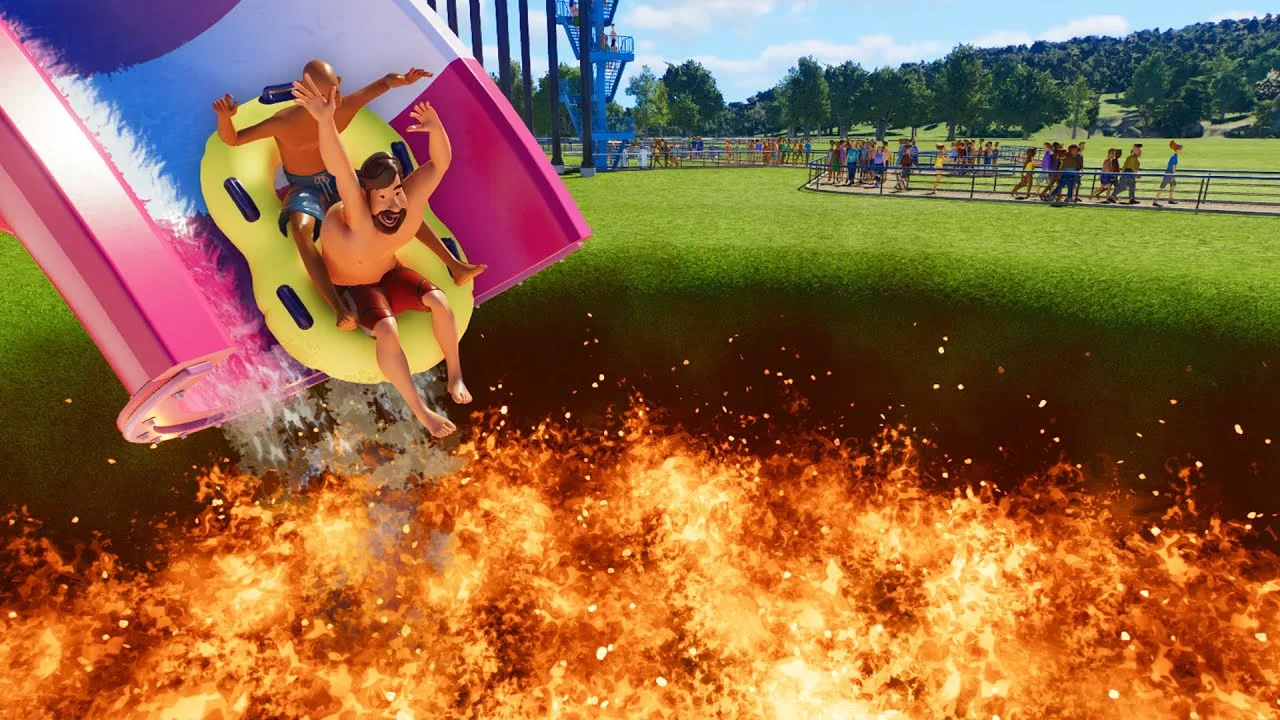
Planet Coaster 2 water slides let you build everything from a short splash into a pool to a twisting raft ride for six guests. Your choice of flume determines which turns, special elements, and endings you can use. Start by choosing the ride experience, then plan its platform, route, and landing area together.
The core lineup includes these seven slide and flume types:
| Slide type | How guests ride | Construction features |
|---|---|---|
| Body Flume | Without a mat or inflatable | Curving routes, open and enclosed sections, loops, and vertical starts |
| Body Slide | Directly on the slide | Straight downhill layouts with open and transparent sections |
| Body Slide Wide | Directly on a wider slide | Wider straight downhill layouts with transparent sections |
| Double Inner Tube Flume | Two guests on a double inflatable ring | Curving routes, conveyor lifts, and special elements |
| Inner Tube Flume | On an inflatable ring | Curving routes, conveyor lifts, and special elements |
| Mat Flume | On a mat | Curving routes, enclosed sections, and uphill water jets |
| Raft Flume | On a raft carrying up to six guests | Large flume sections, uphill water jets, bowls, and funnels |
Body Slide and Body Slide Wide have different construction limits from Body Flume. Their routes cannot turn or climb uphill. Choose the flume type before planning a winding descent around terrain.
For a look at complete layouts, the prebuilt designs include Mat Race, H2 Bowl, and Raft Trap. Use them to explore how different slide types fit together before tackling a custom tower.
Official page: Planet Coaster 2 (planetcoaster.com)
Build a Custom Flume From the Platform Down
Open the flume menu and select Create Custom to choose a slide type. Custom construction begins with the platform.
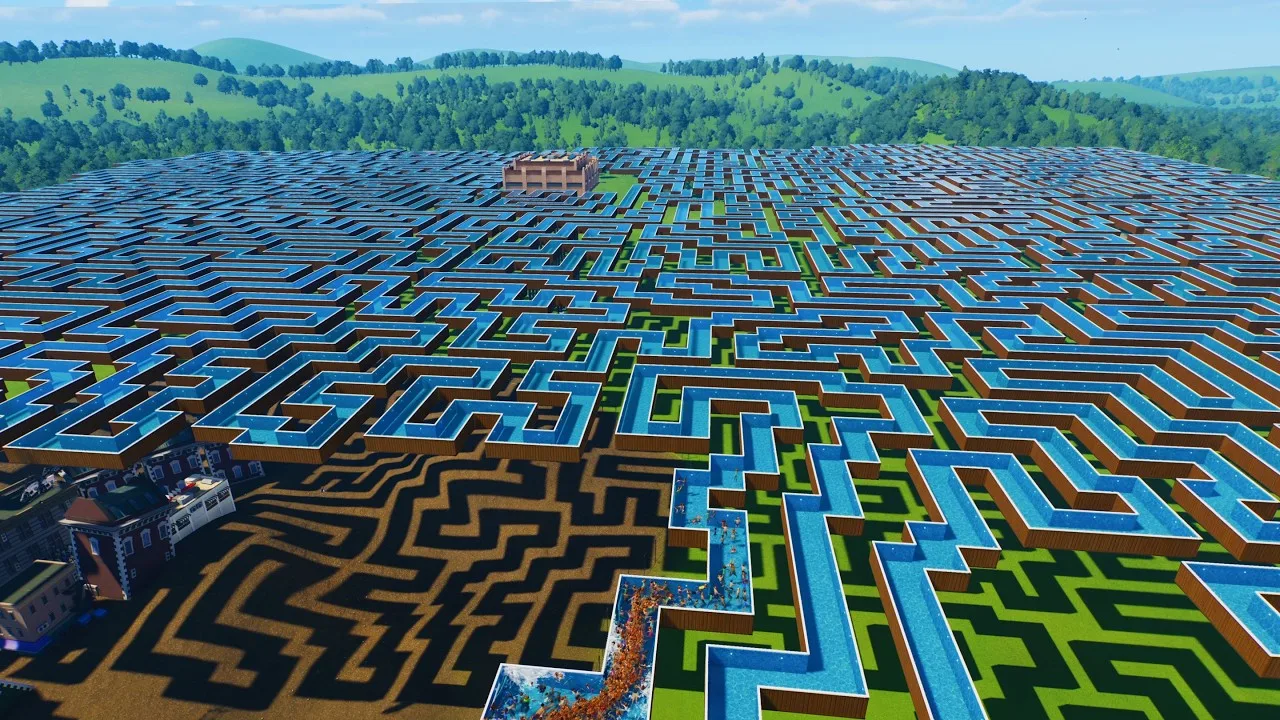
- Place the platform at the intended starting height. Leave room around it for access and any additional slide starts.
- Choose a start piece. Body Flume options include open, enclosed, and vertical starts.
- Build the route piece by piece. Add slopes, turns, and compatible special elements.
- Enable testing while you build. Follow the test rider through each new section.
- Add a compatible ending. Decide whether the ride will discharge into a pool or finish in a runout lane.
- Place the entrance and connect guest access. Connect the departure route from a runout lane where applicable.
- Complete a full test before opening. Resolve any remaining safety or access warnings.
A platform can accommodate multiple flume starts where space allows. Plan their routes together so the tower, slides, and access paths fit within the same area.
Use open sections where you want the route visible and enclosed sections where you want a tunnel. Transparent halfpipe and full-pipe sections provide another visual option on compatible flumes.
For terrain-following builds, shape the route around the hillside rather than forcing every turn into a compact tower footprint. Use the smoothing tools to refine height and turns, then test the edited sections again.
Choose Between a Pool Ending and a Runout Lane
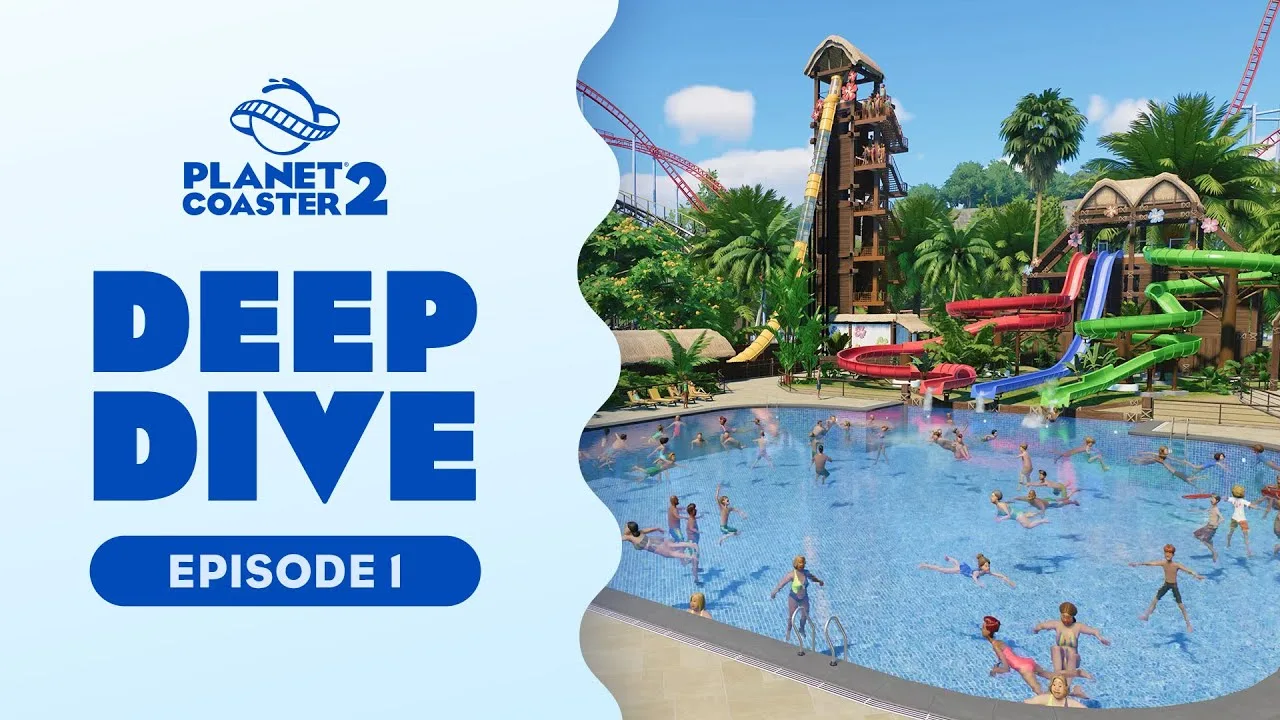
Not every slide needs to finish in a swimming pool. Compatible flumes can use shallow or deep runout lanes, giving you a separate landing area with a path connection.
A conventional flume end that releases riders into open water needs a pool positioned beneath the landing point. Watch the test rider reach the water before opening the attraction.
The two arrangements need different space:
- Pool ending: Reserve room for the landing point within the pool layout.
- Runout lane: Reserve room for the lane and its exit path.
- Special ending: Allow for the footprint of a compatible bowl or plughole element.
Choose the destination before committing to the final descent. If the end lands slightly off target, remove the ending piece, adjust the approach, and rebuild the finish.
Body Slide and Body Slide Wide use their own ending options. Check the selected ride’s construction menu before designing around a runout lane.
Test Speed, Special Elements, and Ride Ratings
A flume needs enough momentum to carry riders through its layout, but extra speed also affects the experience. Monitor excitement, fear, and nausea while following the test rider.
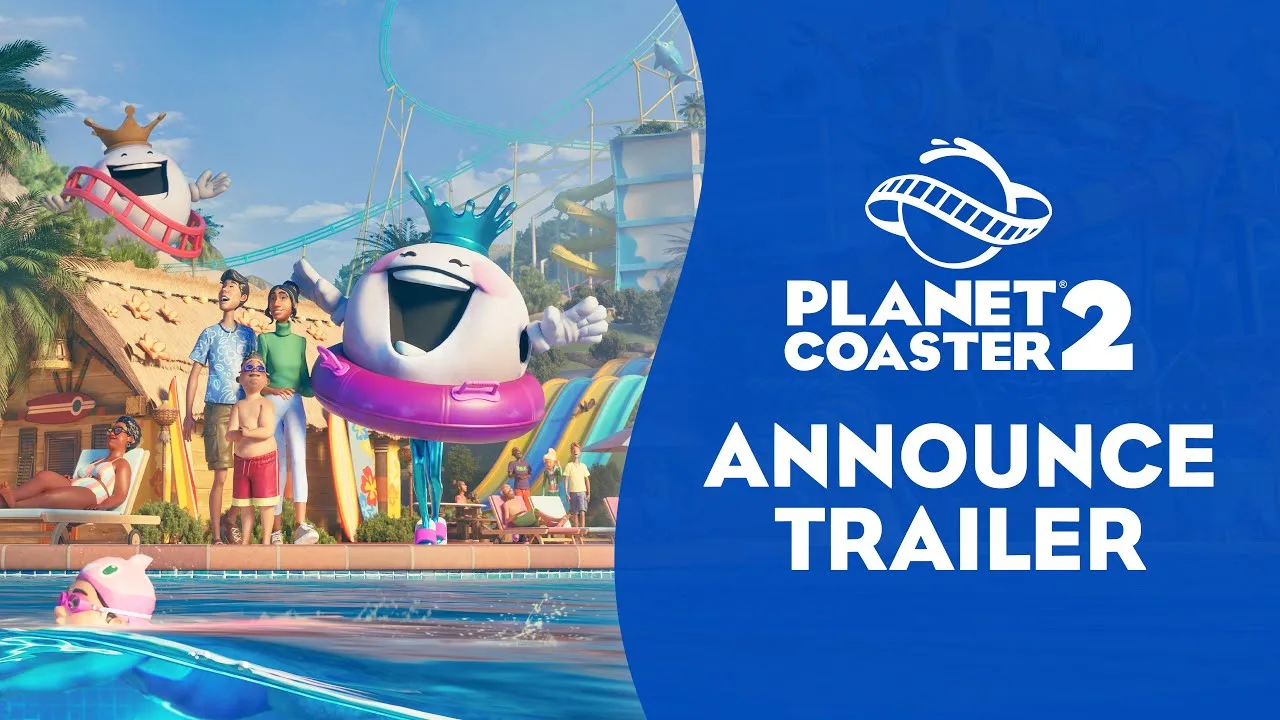
Pay particular attention to long routes, uphill sections, and large special elements. Watch the entire ride through to its ending instead of judging it from the opening drop.
Uphill Water Jets and Conveyor Lifts
Mat, inner tube, and raft flumes include compatible uphill water-jet sections. Their utility settings let you adjust acceleration and target speed.
Inner tube flumes also offer conveyor lifts. These carry riders uphill before releasing them into the next section, with an adjustable belt speed.
Test the transition immediately after either utility. Adjust its settings to suit the following hill or special element rather than increasing speed across the whole ride.
Loops, Bowls, and Funnels
Different flumes offer different special pieces:
- Body flumes: Loops, figure-eight loops, and plughole endings.
- Inner tube flumes: Orbs, oscillators, return elements, and speed bowls.
- Raft flumes: Large bowls, funnels, orbs, oscillators, return elements, and the Trap element.
A return element needs enough approach speed to complete its movement. Build and test the approach before extending the rest of the route.
Individual slides also have friction settings. If you change friction, run another complete test: the adjustment affects how the rider travels through the layout. Keep existing settings intact when placing a blueprint, then make deliberate changes while watching the results.
Give the Water Park the Facilities It Needs
Slides depend on the surrounding water park. Build the supporting facilities alongside the attractions so guests can change, reach the water, and use the pools safely.
- Changing rooms: Provide enough access for guests to change into swimwear and back into regular clothes.
- Lifeguards: Place stations with clear views of the pools and provide enough staff coverage.
- Water filtration: Support pools and flumes with filtration systems and maintain them.
- Shade and sunscreen: Give guests protection from the sun.
- Guest services: Offer pool passes and manage their pricing.
Pool passes provide a way to charge for pool access. Splash Emporium adds another sales opportunity through inflatables such as lilos and rubber rings.
Use heat maps to inspect broader guest needs, then select individual guests for more detailed feedback. Address facility shortages alongside slide construction rather than assuming another attraction will solve dissatisfaction.
Theme the Slides Without Obstructing Them
Flumes support color customization and patterns, including gradients, stripes, and checkerboard designs. Use those options to give neighboring slides distinct identities or tie the entire water park together.
For a terrain-focused layout, carry the surrounding rockwork and foliage toward the slide route. Keep scenery clear of the flume and rider space, especially around tunnel entrances, turns, and platform structures.
Custom flume supports are available among the scenery pieces, and their colors can be changed. Use them where you want more control over the appearance of the structure.
Build a reusable roof or tower facade around one platform, then duplicate and adjust it for neighboring platforms. Leave the entrances and slide starts clear while aligning each copy.
Finish by viewing the area at night. Match accent lighting to the slide colors, illuminate access routes, and inspect the ride in first person to see how tunnels, scenery, and lighting frame the descent.
Continue with
 Planet Coaster 2 Suspended Coaster: Models & Build TipsFind your Planet Coaster 2 suspended coaster, compare Vector models and Toybox Pack content, and plan smoother inversions, scenic layouts, and supports.
Continue exploring
Join the community
Official channels for news, updates and player help: