
Planet Coaster 2 Scenery Bonus: How to Raise It and Fix 0%
Improve your Planet Coaster 2 scenery bonus with ride decoration tips, updated career targets, and troubleshooting steps for stubborn zero-percent scores.
Jump to
How to Increase a Ride’s Scenery Bonus
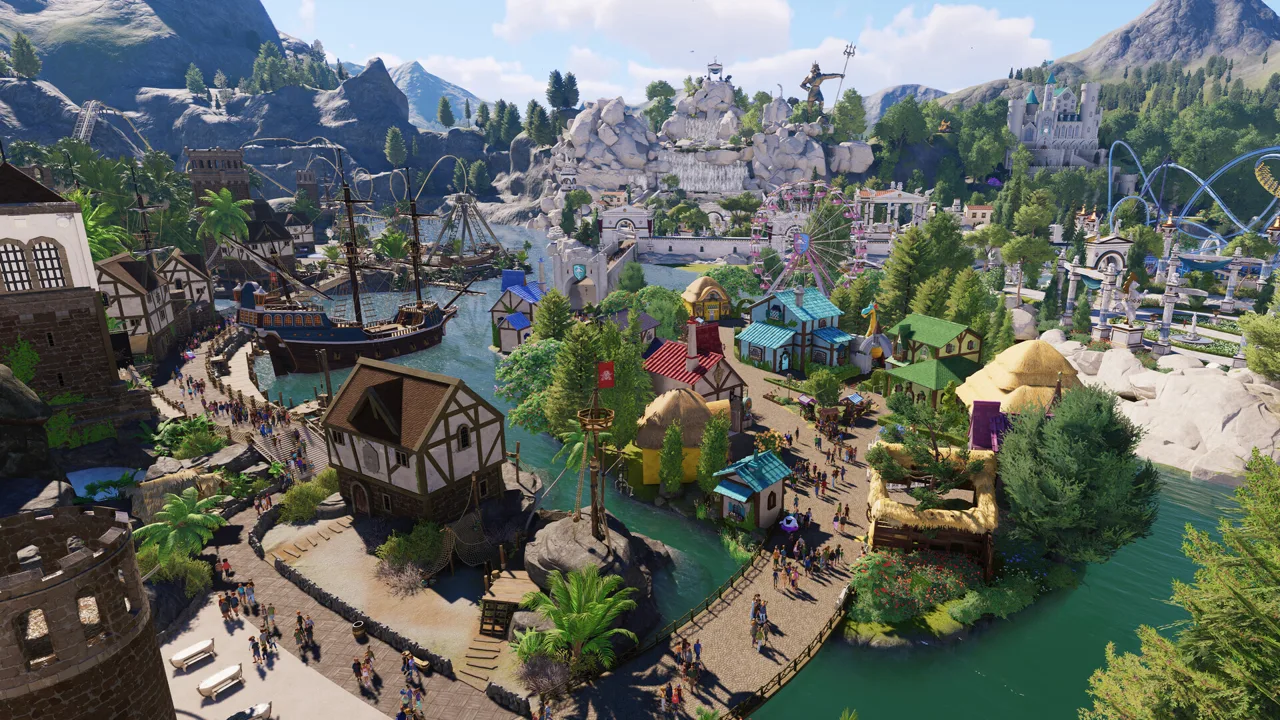
Chasing the Planet Coaster 2 scenery bonus gets expensive when you keep adding props without watching the ride’s percentage. Decorate the attraction directly, check its bonus, and try a full retest when the number stays stuck. That percentage matters for career objectives, including the 80% target in Parks & Restoration.
Start by selecting the attraction and checking its scenery bonus. Add decorations directly to the ride using the ride customization tools, then compare the percentage before expanding the build. Scenery attached to a ride can also increase its Prestige.
Use the available themes to give the attraction a consistent look. For a Mythology build, place pillars and Greek statues around the ride rather than scattering unrelated decorations throughout the park. Scalable scenery lets you adjust supported objects to fit the attraction.
Keep these steps focused:
- Check the selected ride’s current bonus.
- Add a manageable group of decorations to the attraction.
- Check whether its percentage changes.
- If the value stays unchanged, try the retesting steps below before buying more scenery.
For an objective that requires a bonus on any ride, keep working on the same attraction until it reaches the target.
Official page: Planet Coaster 2 (planetcoaster.com)
Scenery Bonus, Scenery Score, and Park Rating
A ride’s scenery bonus and the park’s Scenery Rating measure different things. Keep track of the value named in your objective.
Ride scenery bonus is the percentage used by updated career objectives. Scenery Score is an individual object’s numerical value. Scenery Rating is the park rating category that uses scenery visible to guests and contributes stars toward your overall Park Rating.
To inspect an object’s score, place it, select it, and open the Details tab through its hamburger menu. A small Aleppo pine tree, for example, has a Scenery Score of 150.
That object value is useful when comparing decorations, but it is not a percentage increase for a ride. Don’t interpret a 150-point tree as a direct shortcut to a particular scenery bonus.
For park-wide progress, select Scenery Rating in the Park Rating menu. The next star’s required score appears at the top right of the screen.
Career Objectives Use Percentage Targets
Update 7 changed scenery-related career objectives from raw scenery values to ride bonus percentages. In Parks & Restoration, the bronze objective changed from a ride scenery rating of 2000 to a scenery bonus of at least 80%.

| Career objective | Earlier requirement | Update 7 requirement |
|---|---|---|
| Parks & Restoration bronze scenery objective | Ride scenery rating of 2000 for any ride | Ride scenery bonus of at least 80% for any ride |
Other scenarios received percentage-based wording for their ride scenery objectives, too. The scenery sub-objective within “Improve and Power all rides” also changed to a minimum scenery bonus percentage.
Read the target displayed in your current scenario before building. For Parks & Restoration’s updated bronze objective, monitor the selected ride’s bonus until it reaches at least 80%; the park’s scenery star progress is a separate measurement.
Place Decorations Where They Count
For the park’s Scenery Rating, guest visibility matters. Decorations hidden behind buildings do not contribute simply because you paid for them.
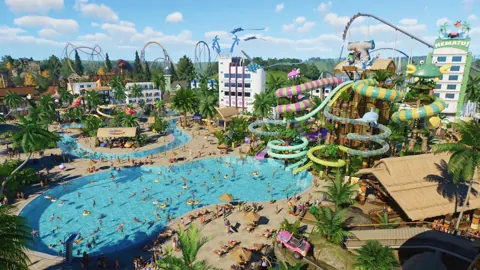
 Image: Steam / Frontier Developments
Place trees, architectural details, and themed props along guest paths and around public-facing shops or Guest Services. Use Create Custom in the Scenery tab to build these areas piece by piece.
More elaborate, expensive objects tend to have higher individual Scenery Scores. Compare the displayed score with the purchase cost before filling a large area. For a quick park-rating improvement, duplicate inexpensive decorations beside guest paths, keeping them visible.
Utility placement deserves attention as well. Generators, Staff Buildings, and Water Filters can carry negative Scenery Scores when visible to guests. Screen these objects with walls or terrain while preserving the access your park needs.
Keep those park-wide improvements separate from a ride-specific objective. After decorating a plaza or hiding equipment, return to the attraction’s panel to see whether its own bonus has changed.
What to Try When the Bonus Stays at 0%
If a decorated attraction still shows zero, try a complete close–test–open cycle:
- Close the affected ride.
- Switch it to testing.
- Let the full test run finish.
- Reopen the ride and inspect its scenery bonus.
Try this after adding scenery to an attraction that was already operating. It gives you a practical troubleshooting step before committing more money to decorations.
For go-karts stuck at 0%, try the same cycle even if you have already decorated the station, placed props around the track, or attached scenery directly. If the issue returns after loading the save, repeat the cycle.
Avoid rebuilding the entire themed area while troubleshooting. Keep the decorations in place, finish the test, and compare the ride’s displayed percentage before making further changes.
Continue with
 Planet Coaster 2 Building Guide: Better Custom ParksUse this Planet Coaster 2 building guide to create custom shops, master grids, improve roofs and lighting, and build parks with more detail and less fuss.
More in Building
Planet Coaster 2 Building Tips for More Realistic Parks
Use these Planet Coaster 2 building tips to fix boxy shops, improve paths and lighting, and build smoother coasters with practical steps for beginners.
Planet Coaster 2 Paths: Build Plazas, Ramps, and More
Master Planet Coaster 2 paths with tips for plazas, queues, stairs, ramps, railings, and precise edits. Learn the tools and build connected park walkways.
Join the community
Official channels for news, updates and player help: