Planet Coaster 2 Guests Not Using Cable Car? Fixes
Planet Coaster 2 guests not using cable car? Check station paths, staffing, and destination appeal, then troubleshoot stalled cabins with practical steps.
Jump to
Why Aren’t Guests Boarding Your Cable Car?
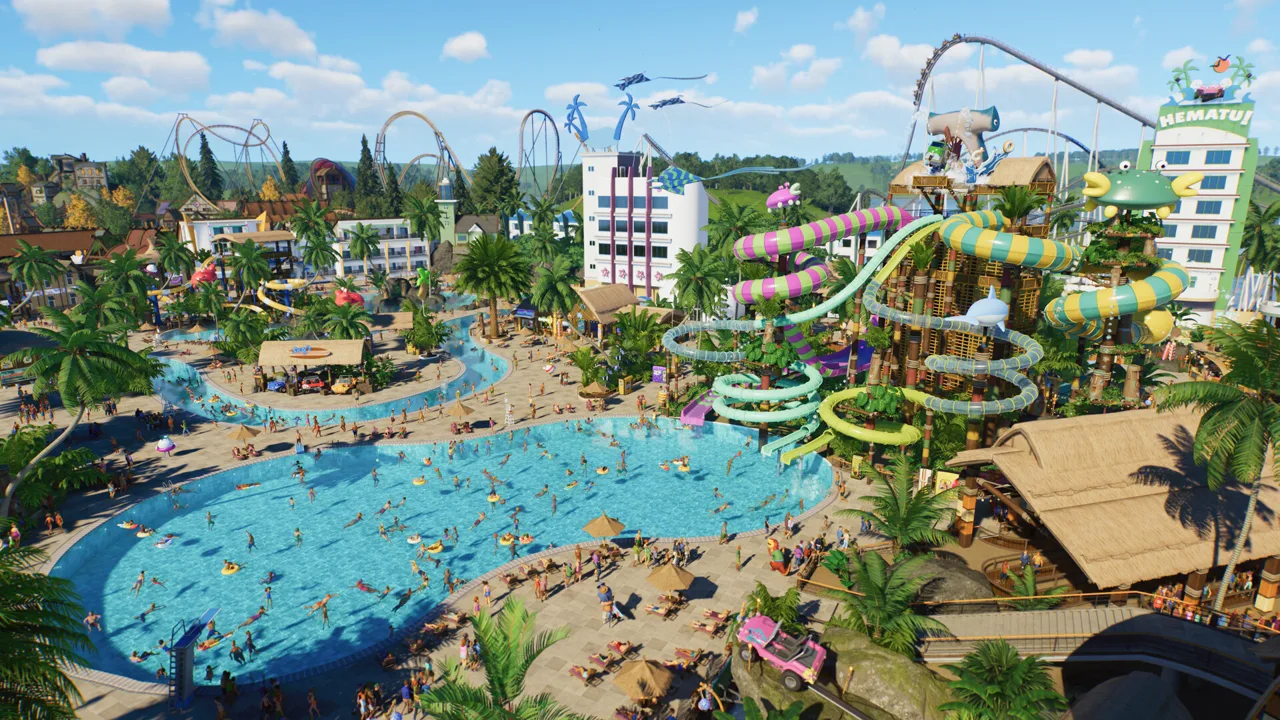
Planet Coaster 2 guests not using cable car stations can leave your new park area quiet. Check station access, ride attendants, power, and the attractions around your destination before rebuilding the route. If guests are already waiting but the cabins have stopped, troubleshoot the service itself.
Start by separating these two situations:
- Empty queues: Inspect the entrances, path connections, and destinations served by the route.
- Guests waiting beside stopped cabins: Inspect the ride’s operating status, staffing, and mechanical condition, then try the restart steps below.
An empty cable car doesn’t tell you much on its own. Watch the station entrance and loading area to see where the journey breaks down.
Official page: Planet Coaster 2 (planetcoaster.com)
Check Every Station’s Entrance and Exit
A transport route needs at least two stations, with an entrance and exit connected to paths at each stop. Placing the cable and platforms is only part of the setup.
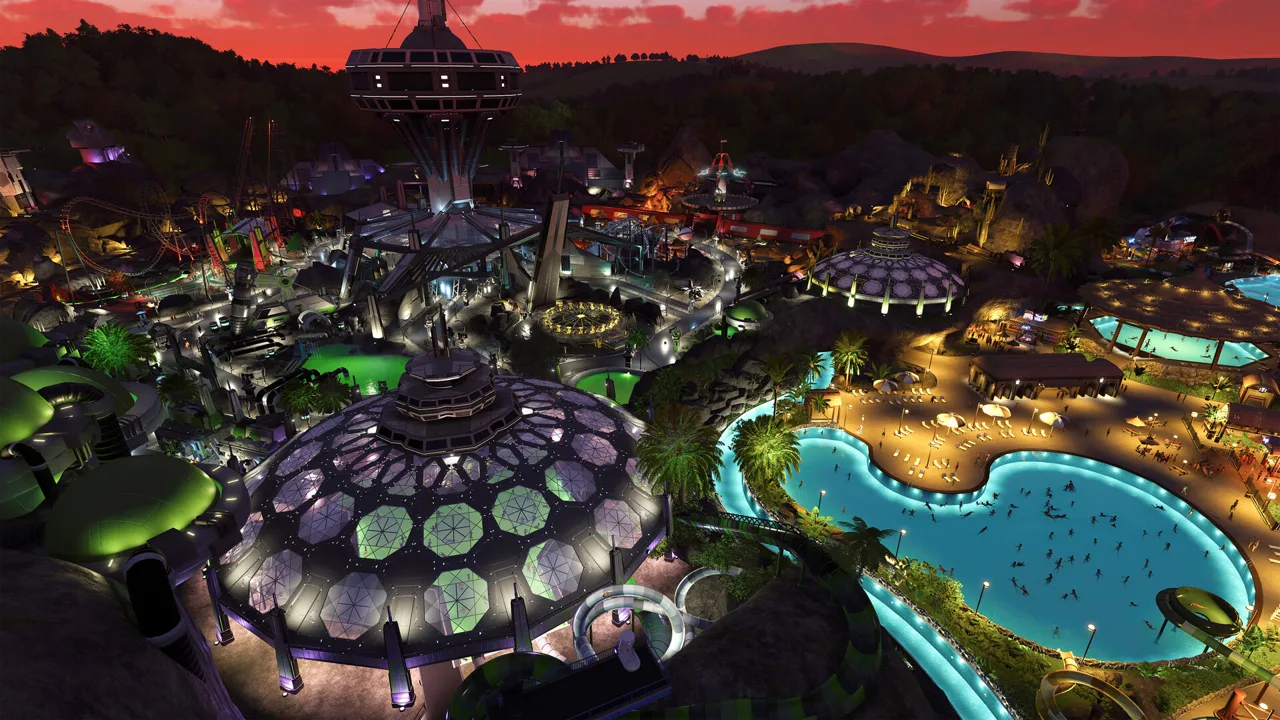 Image: Steam / Frontier Developments
Work through each station individually:
- Confirm that the station has an entrance. Don’t assume placing an entrance at the starting station completed the other stops.
- Connect its entrance queue to the guest path network. Follow the connection from the public path all the way to the station.
- Connect its exit to a guest path. Inspect the destination station as carefully as the boarding station.
- Check ride attendant coverage. Assign an attendant and inspect staffing when boarding stops.
- Check the required power connection. Resolve any power requirement before opening.
- Open the transport ride. Testing mode runs the attraction but isn’t the final operating state for carrying guests.
Pay particular attention to stations built into hillsides or elaborate scenery. Inspect the actual path connections beneath the decoration.
If you need to build a replacement, open Tracked Rides, select Create Custom, and choose the Cable Car. Build the route between stations, then complete the access and operating checks before opening it.
Give Guests a Destination Worth Visiting
Transport rides connect different parts of your park. Give guests something to do when they arrive.
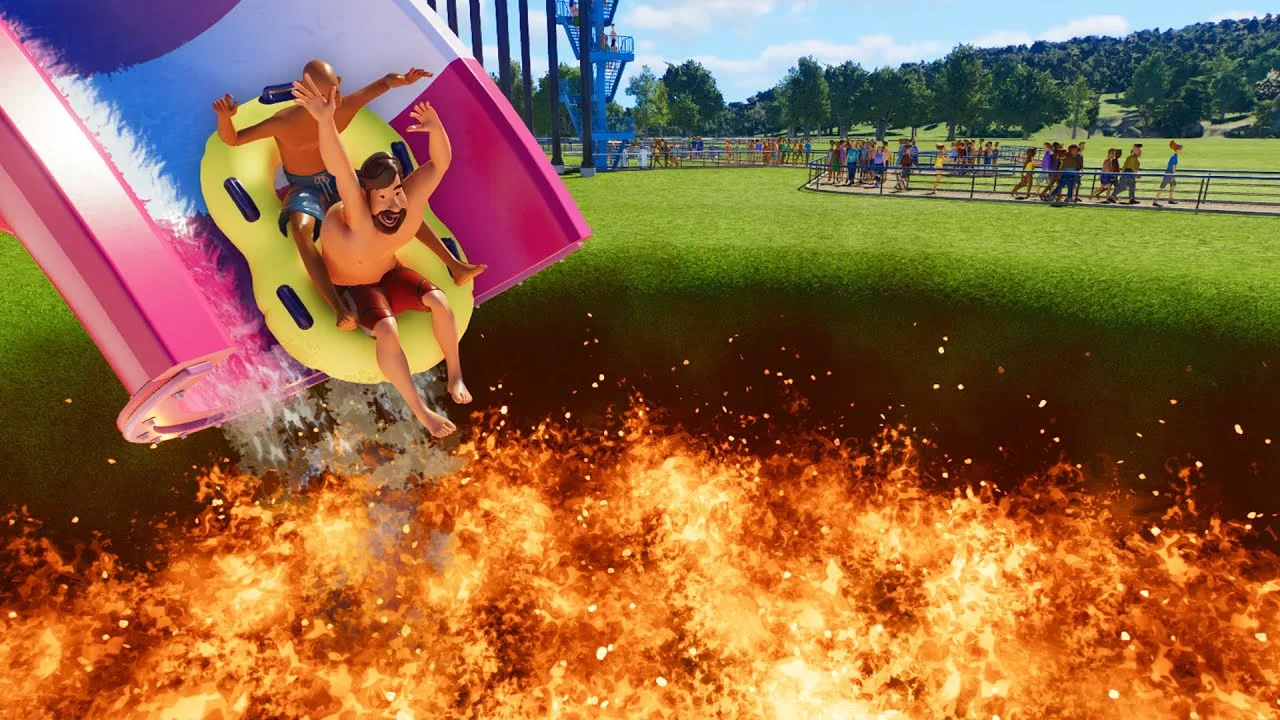
Place the destination station near open attractions and useful facilities. A developed area with rides, food, drinks, and bathrooms gives the stop a practical purpose. Finish those connections before judging the cable car’s popularity.
Check the following around the far station:
- Are nearby attractions open?
- Does the exit path reach those attractions?
- Are shops and facilities connected and operating?
- Does the station serve an active area rather than an unfinished expansion?
Select nearby guests to inspect their needs and how their group is enjoying the park. Use the park’s heat maps to identify broader needs, then inspect individual guests for more detail.
Cable cars are particularly useful for climbing hills and crossing difficult terrain. Plan the route around those advantages, with accessible stations at both ends.
Restart a Cable Car That Stops With Guests Waiting
A stalled service is a different problem from weak demand. Early cable car failures included cabins stopping across multiple stations even while guests remained in the queues. That early stoppage issue is marked fixed, so install available game updates before relying on older workarounds.
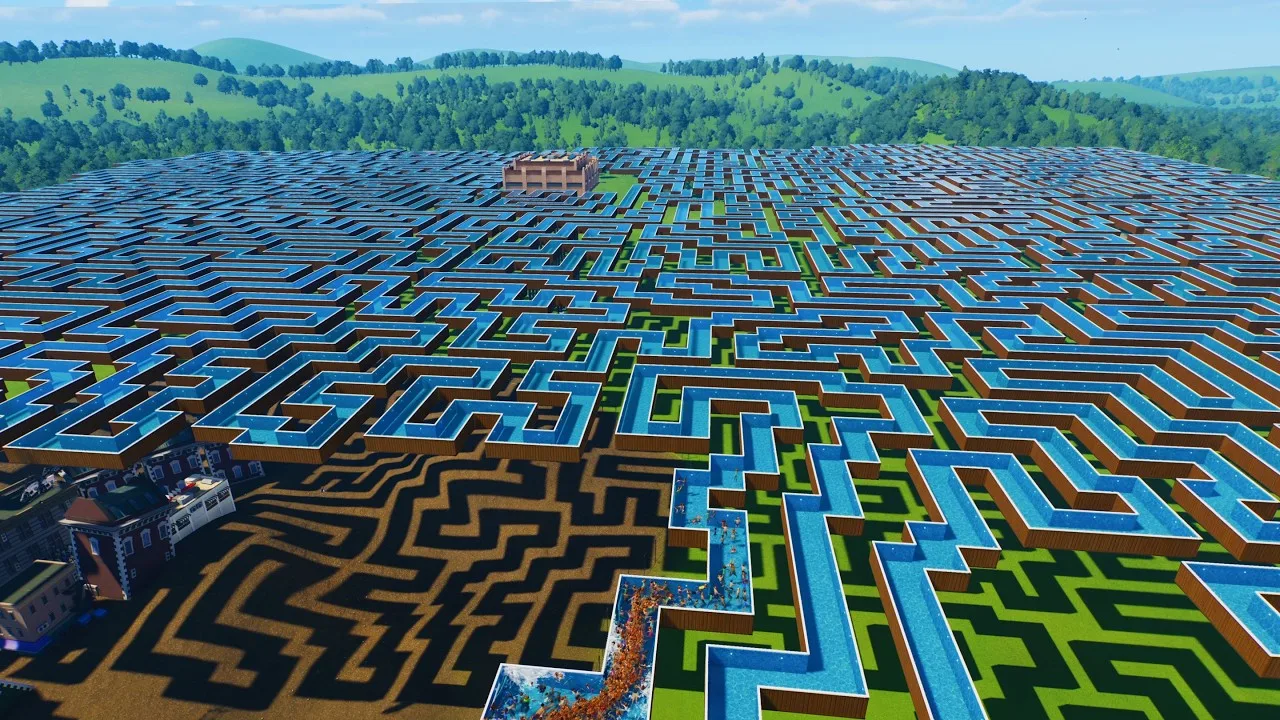
For a route that has stopped, try this restart sequence:
- Switch the cable car to Test mode.
- Let it test briefly.
- Set it back to Open.
- Watch the cabins and loading areas to see whether service continues.
Closing and reopening the ride is another older restart workaround. A successful restart doesn’t necessarily mean the underlying problem is resolved—watch for another stoppage after passengers begin boarding.
If a route with intermediate stops repeatedly stalls, try temporarily disabling the intermediate stations and operating between the endpoints. This is an older workaround, not a requirement for building cable cars. Two-station routes also experienced stoppages, so reducing station count isn’t a guaranteed cure.
Before redesigning the entire line, inspect attendants and mechanical condition again. If the same failure keeps returning, report the issue through Frontier’s Issue Tracker with your platform, game version, station count, and the steps that trigger the stoppage.
Continue with
 Planet Coaster 2 Suspended Coaster: Models & Build TipsFind your Planet Coaster 2 suspended coaster, compare Vector models and Toybox Pack content, and plan smoother inversions, scenic layouts, and supports.
More in Rides
Planet Coaster 2 All Flat Rides: Names and Build Tips
Explore Planet Coaster 2 all flat rides, compare Hellion Ring and Synchronise 2 blueprints, and get useful tips for custom scenery, queues, and lighting.
Planet Coaster 2 Water Slides: Build and Flume Guide
Build Planet Coaster 2 water slides with tips for all seven slide types, custom flumes, pool endings, testing, and the facilities your water park needs.
Join the community
Official channels for news, updates and player help: