Planet Coaster 2 Multiplayer: How to Play With Friends
Planet Coaster 2 multiplayer lets you share parks, take turns building, and grow a franchise with friends. Learn how co-op and cross-platform sharing work.
Jump to
Does the Game Have Real-Time Co-op?
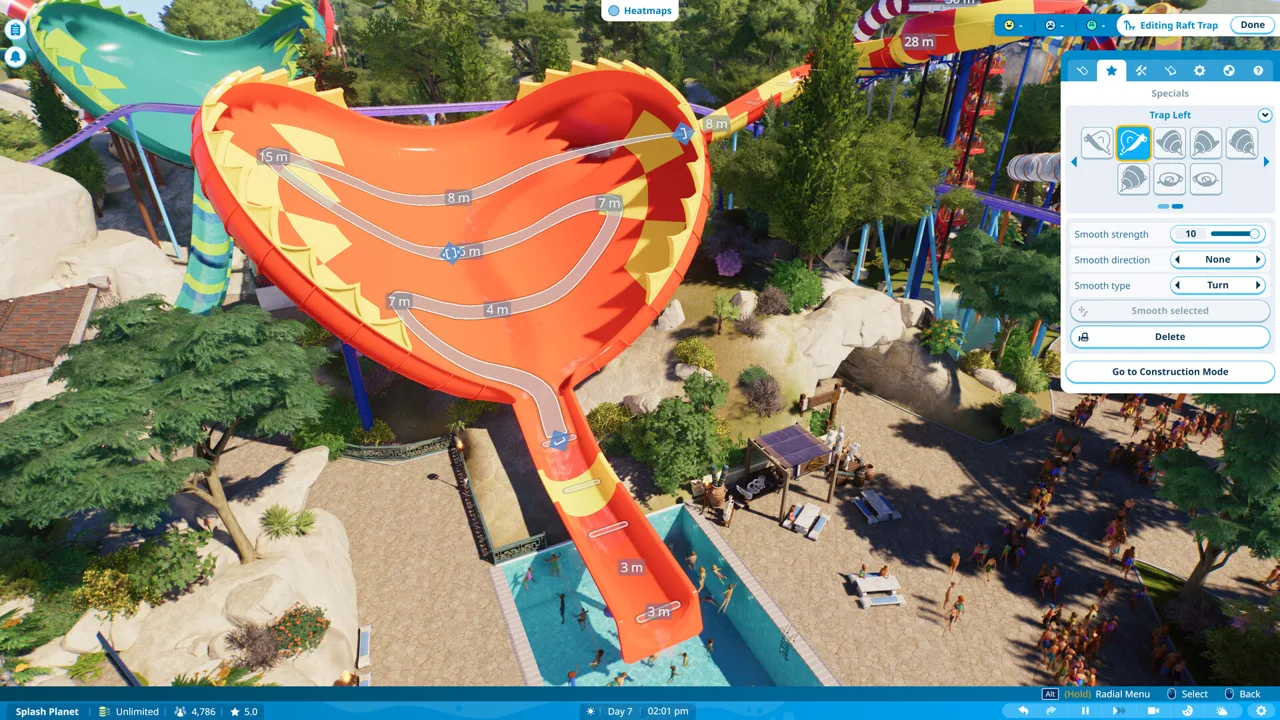
Planet Coaster 2 multiplayer works like a park-building relay: you and your friends take turns editing a shared park. Only one player can build in that park at a time, which matters if you’re planning a group session around simultaneous coaster construction. Sandbox and Franchise modes support this asynchronous collaboration, letting everyone contribute across separate play sessions.
You can expand a friend’s work, add your own attractions, and pass the park along for the next person’s turn. You cannot have one player laying track while another edits the same park’s paths in real time.
That distinction also applies to cross-platform sharing. A shared cross-platform save lets players contribute to the same project across platforms; it doesn’t enable simultaneous editing.
Official page: Planet Coaster 2 (planetcoaster.com)
How to Play With Friends
You’ll need a Frontier account to access the online sharing features. To get started:
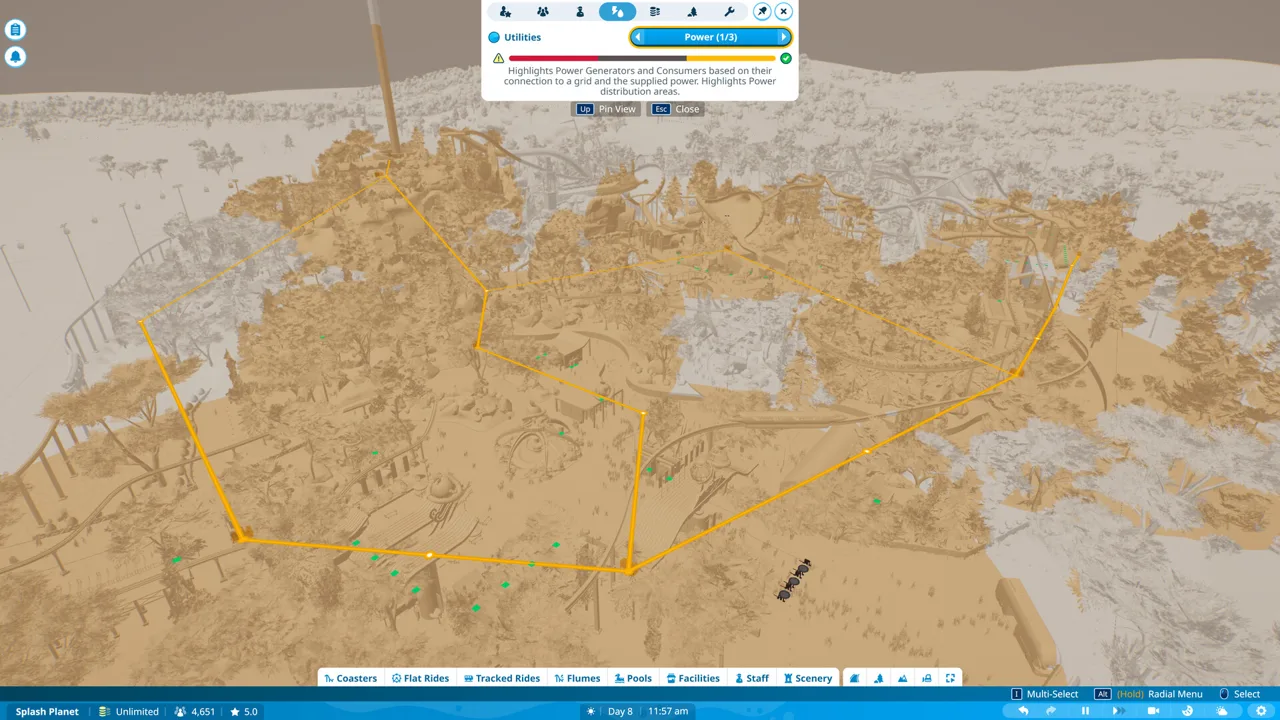 Image: Steam / Frontier Developments
- Create a Frontier account. Register online or follow the prompts inside the game.
- Log in through the game. This gives you access to the online features in Franchise mode, Sandbox mode, and the Frontier Workshop.
- Share access to your project. Use the sharing codes for your Franchise or Sandbox park to connect with friends and take turns working on it.
For a Franchise, the setup includes a Franchise Profile and Membership settings, along with a Franchise code you can share with your group.
Choose the mode together before starting a project. Both support shared park access, so you don’t have to use Franchise mode simply because you want someone else to help build.
Sandbox and Franchise: What’s the Difference?
Sandbox centers on designing your park, while Franchise adds collaboration and competition around a theme park empire.
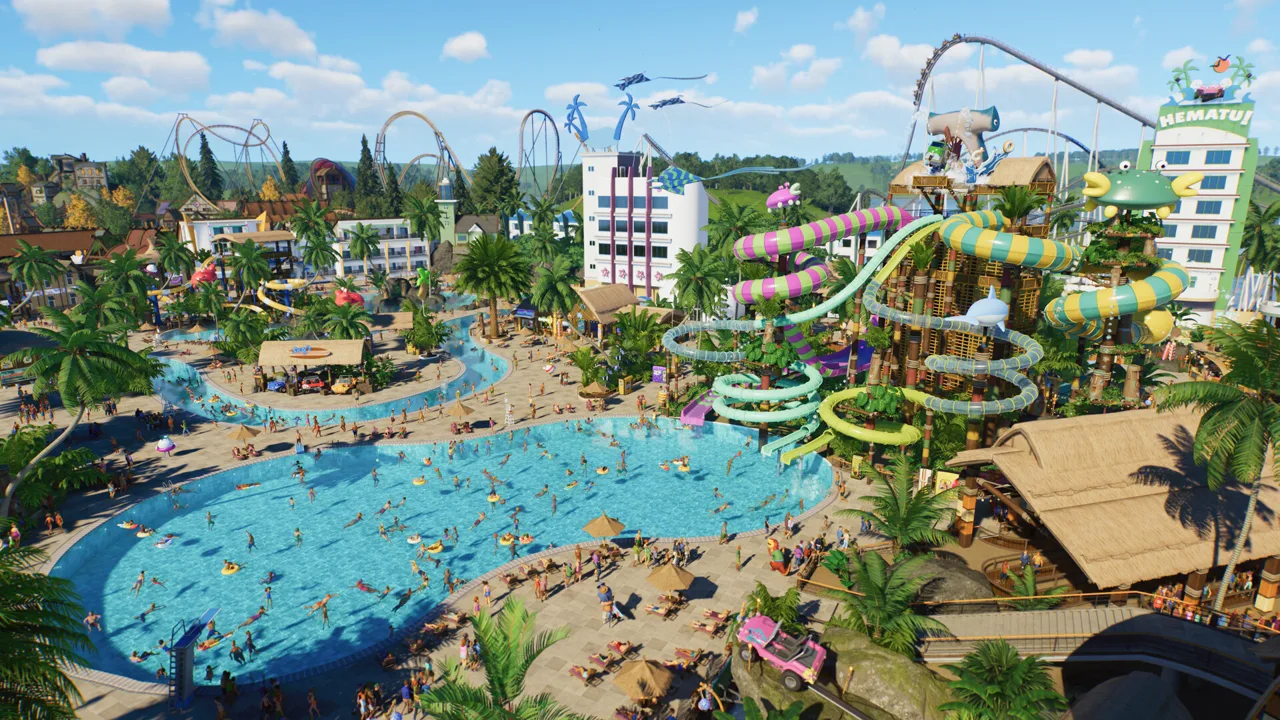 Image: Steam / Frontier Developments
| Mode | Shared play features | Other activities |
|---|---|---|
| Sandbox | Take turns building through a shared cross-platform save | Design parks with customizable settings, including Creative or Challenge difficulty |
| Franchise | Share park access and collaborate one player at a time | Build a franchise, tackle challenges, and compete on worldwide leaderboards |
In Sandbox, agree on the difficulty settings and overall design before construction begins. Creative and Challenge offer different starting points for a shared project, and custom difficulty settings let you shape the experience further.
In Franchise, decide whether your group wants to collaborate on its parks, compete through challenges, or do both. Sharing a franchise still follows the same one-player-at-a-time building arrangement.
Sharing Creations and Exploring Other Parks
The Frontier Workshop gives you another way to exchange work. You can upload and download coasters, rides, and entire parks through its cross-platform sharing features, available in-game and online.
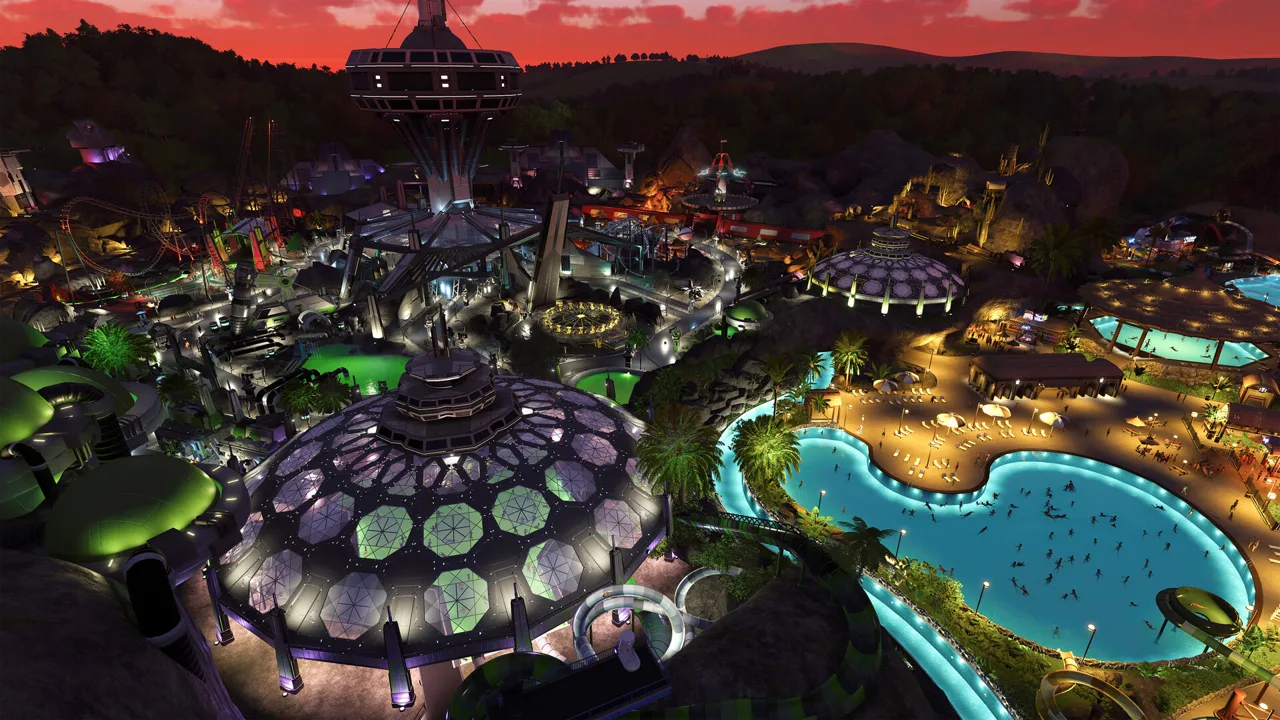 Image: Steam / Frontier Developments
Keep park access codes and Workshop sharing codes distinct. Sharing access lets friends contribute to a park over successive turns. Workshop sharing lets other players download a creation.
You can also explore other players’ parks in first person as a guest. Use that perspective to inspect an entrance plaza, follow a themed route, or experience how a coaster fits into its surroundings.
Make Each Building Turn Count
Because edits happen in separate sessions, leave the next builder with a clear task.
- Divide work by attraction or area. Assign a coaster, pool complex, or themed plaza to each person, then alternate turns.
- Leave notes about unfinished work. Identify which paths, scenery, or attractions still need attention before someone starts changing the surrounding area.
- Review guest needs before expanding. Use heat maps to spot problems, especially around water attractions that need shade, sunscreen, lifeguards, and changing rooms. Select a guest to see how they and their immediate group are enjoying the park.
- Agree before changing another builder’s centerpiece. Discuss major coaster or terrain revisions so each turn moves the shared design forward.
Continue with
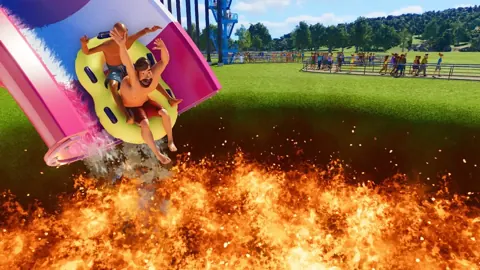 Planet Coaster 2 Workshop: Find, Test, and Share BuildsExplore the Planet Coaster 2 workshop to find community rides, use share codes, compare coaster stats, and learn building tricks before sharing your own.
More in Community
See all Community
Continue exploring
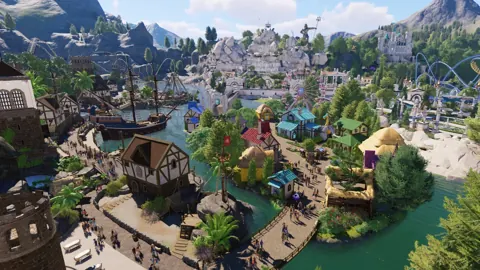
Planet Coaster 2 Tips: Build Faster and Manage Better
Explore Planet Coaster 2 tips to build faster, plan paths, manage guest needs, improve ride capacity, and create detailed parks with less repetitive work.
Planet Coaster 2 PS5: Editions, Features, and Controls
Explore Planet Coaster 2 PS5 editions, water parks, controller tips, and cross-platform sharing. Learn what to expect before building your next theme park.
Join the community
Official channels for news, updates and player help: