Planet Coaster 2 Blueprints: Find, Place, and Share
Find Planet Coaster 2 blueprints, use share codes, fix missing downloads, and customize rides, pools, and scenery. Learn to save and share your own builds.
Jump to
What Are Blueprints in Planet Coaster 2?
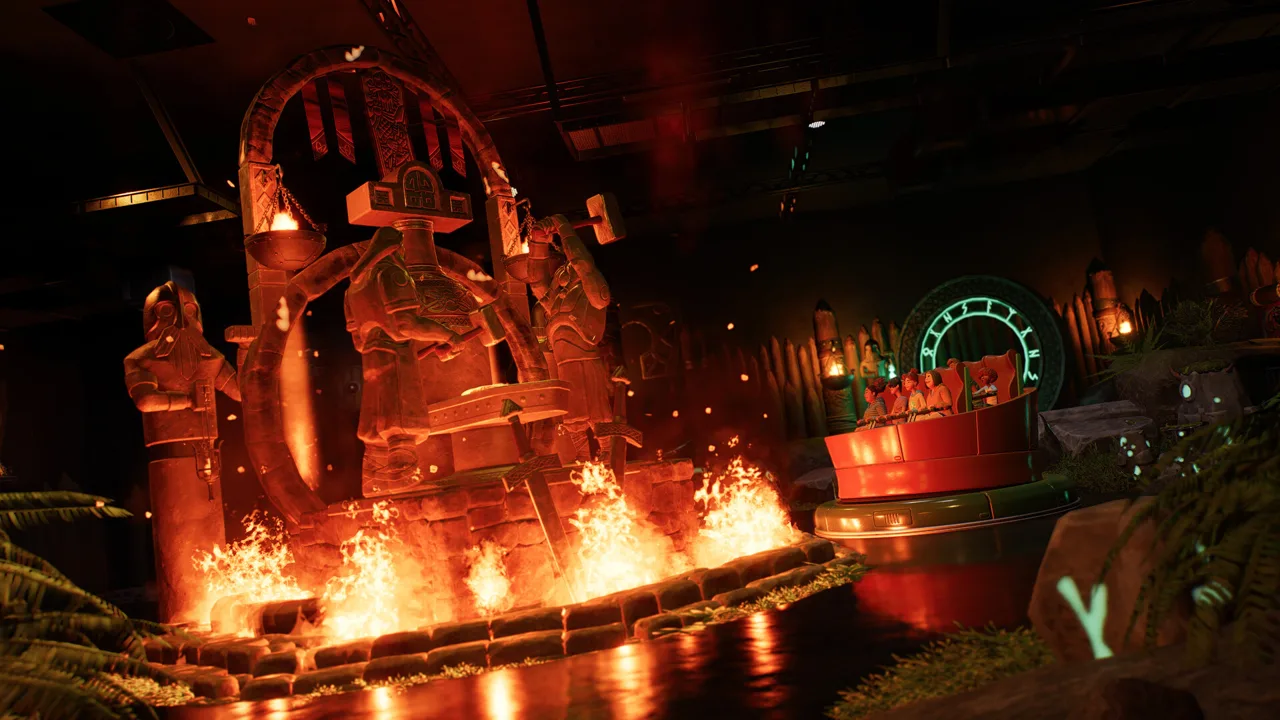
Build a detailed attraction without placing every decoration yourself. Planet Coaster 2 blueprints let you reuse collections of scenery, buildings, rides, paths, and pools, saving time on everything from a flower bed to a sprawling coaster complex. You can place a ready-made design, customize it for your park, or save your own construction for later.
A blueprint can contain several kinds of objects together. That makes the feature useful for complete attractions as well as smaller combinations, such as a row of shops or a landscaped intersection.
You have three ways to get started:
- Default blueprints: Browse the game’s preset designs, including themed shops, rides, coasters, and pools.
- Your own saved designs: Turn a finished construction into something you can place repeatedly.
- Frontier Workshop downloads: Bring other players’ creations into your park through the cross-platform sharing service.
Open the building Browser and use its search function and filters to find default designs. These builds are editable, so you can change their appearance to suit the surrounding area.
Official page: Planet Coaster 2 (planetcoaster.com)
How to Download Blueprints and Use Share Codes
You need a Frontier Workshop account to use the online sharing features. Set up your profile through the in-game Workshop menu or sign in before browsing.
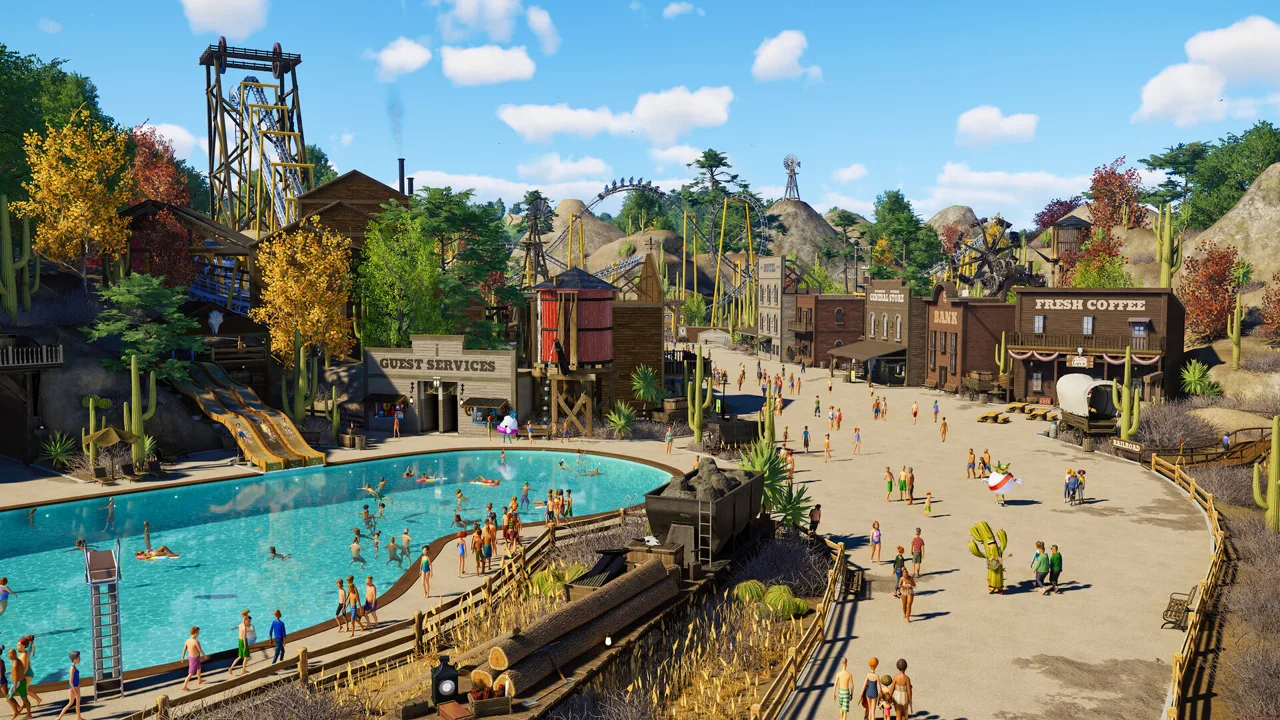 Image: Steam / Frontier Developments
To find and use a community build:
- Open the Frontier Workshop in-game or online.
- Browse creations using search terms and filters, such as theme or coaster type.
- For a specific design, enter its sharecode in the Workshop search.
- Download the creation.
- Check My Workshop → My Subscriptions to find and manage your installed creations.
- Return to your park’s building Browser, filter by source, and select Frontier Workshop to display downloaded blueprints.
My Subscriptions and the building Browser serve different purposes: the former manages your downloads, while the latter is where you find builds to place in a park.
If filters make browsing awkward, put the feature you want directly into the search field. Search for a theme, a shop type, or a ride name, then narrow the results. Follow designers whose work fits your park to find their additions in New From Followed Creators.
Community Builds to Find With Share Codes
These designs cover coasters, flat rides, and a combined pool-and-flume attraction. Compare their construction costs and ride ratings before committing space and money to them.
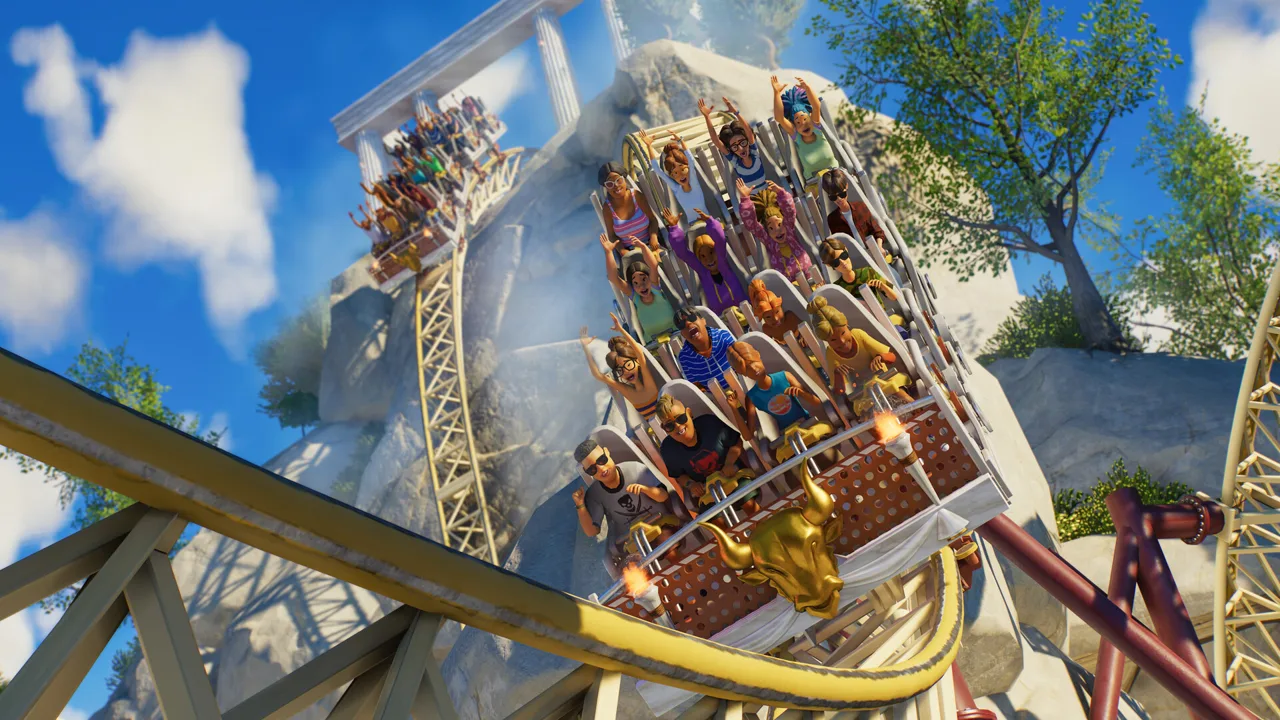 Image: Steam / Frontier Developments
| Blueprint | Sharecode | Build Cost | Excitement | Fear | Nausea |
|---|---|---|---|---|---|
| Jaw’Some | 39YPWWVBF | $98,263.53 | 6.41 | 3.97 | 1.14 |
| Throwing Knives Hellion Ring | 8YVH81H6B | $6,328.50 | 4.13 | 5.00 | 4.48 |
| Accelerator | 1NJRFGP10 | $56,069.54 | 2.25 | 1.13 | 0.35 |
| Loki | 8BJ3NVM0X | $10,163.50 | 2.97 | 3.0 | 2.02 |
| Rambukk | 60F3037RV | $57,370.92 | 5.42 | 3.03 | 0.82 |
| Dune Coaster | 891CTB6P8 | $101,313.82 | 8.19 | 6.33 | 2.63 |
Jaw’Some combines a coastal coaster with palm trees, a covered queue, a Gift Shop, and Gelato Bros. Its surrounding facilities make it more substantial than a track-only download.
Throwing Knives Hellion Ring packages a flat ride into a compact design with a runtime of 144.35 seconds. Compare its modest construction cost with its 4.48 Nausea rating when deciding where it belongs in your ride lineup.
Accelerator uses the Multiverse Coaster LSM with steampunk scenery. Its 1.13 Fear and 0.35 Nausea ratings give it a different profile from the more intense coasters in the table.
Loki pairs the Synchronise 2 ride with Norse scenery and synchronized fire and water effects. Rambukk carries the Viking theme into a Vector Sit Down (Four-Seater) coaster, with covered queue sections and a battering-ram design.
Dune Coaster includes sandworm structures and reaches 123.1 mph. Leave room in both your layout and construction budget for its large footprint and $101,313.82 build cost.
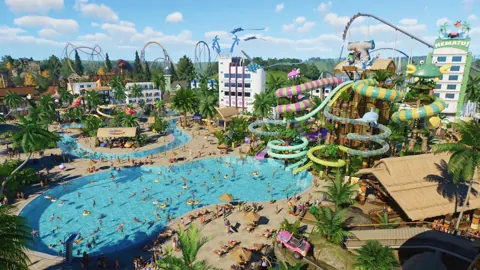
Viking Mythical Pool
Enter sharecode 4CXJ8WN49 to find Viking Mythical Pool, a $20,031.76 build combining a pool, two Body Flumes, and a Body Slide. Its scenery includes shaded loungers.
The individual slides have different ratings:
| Slide | Excitement | Fear | Nausea |
|---|---|---|---|
| Body Flume 1 | 5.74 | 2.97 | 2.2 |
| Body Flume 4 | 6.0 | 3.74 | 2.25 |
| Body Slide 1 | 5.26 | 1.88 | 1.95 |
Test downloaded attractions in Sandbox before adding them to a budgeted park. Inspect the placement price, footprint, and test results there, then decide whether to keep the full scenery package or simplify it.
Place, Edit, and Combine Your Downloads
Use Advanced Move before confirming placement. Check the build’s height, angle, and relationship to nearby structures so you can correct alignment before it becomes part of your park.
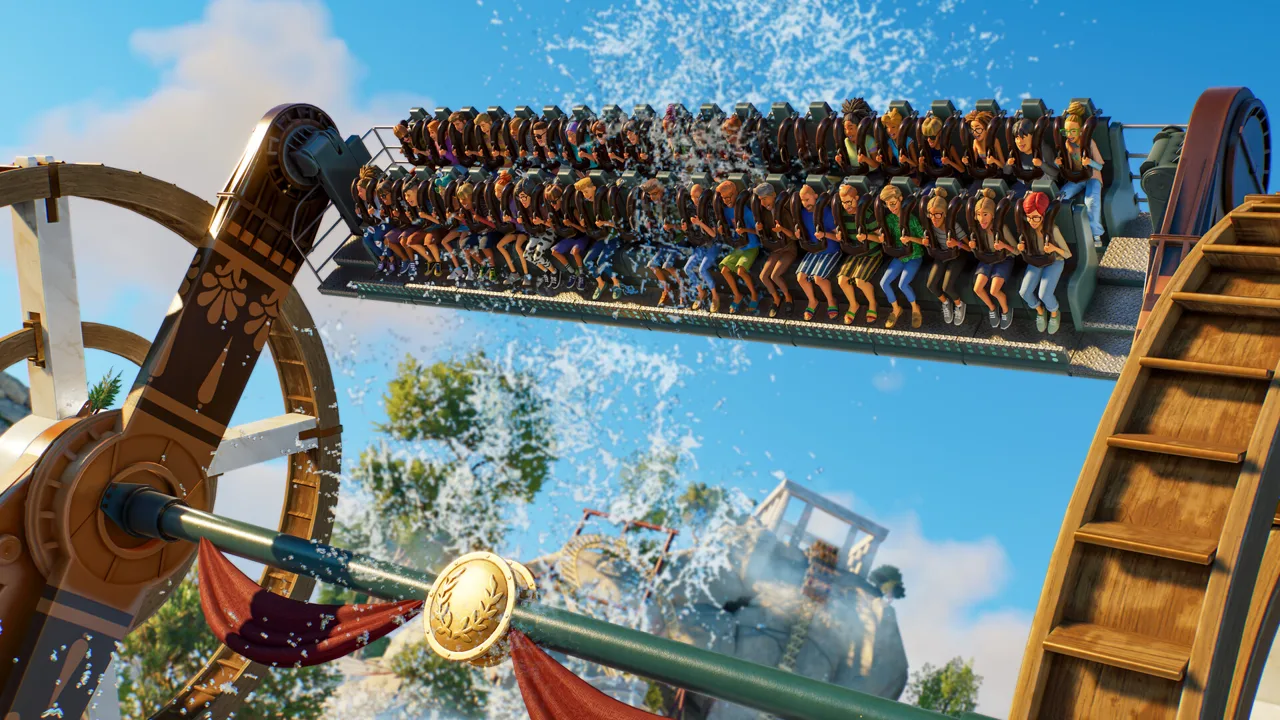 Image: Steam / Frontier Developments
Pay particular attention to the entrance area. A beautifully framed station still needs room for the queue and connections around it. For water attractions, plan the surrounding guest facilities too: shade, sunscreen, lifeguards, and changing rooms remain part of managing a water park.
Adjust the scenery
Select the placed build and enter scenery-group editing to work with individual elements. You can change their height, angle, and colors.
Try these edits to make a download fit your park:
- Recolor walls and decorative elements to match nearby buildings.
- Remove scenery that pushes the construction cost beyond your budget.
- Combine parts from different blueprints into one themed area.
- Vary the scale of supported scenery pieces to reduce repetition.
- Keep frequently reused scenery grouped so it is easier to copy around the park.
Scenery scaling works with many pieces, but it does not apply to every object. Use it where the selected item supports it.
Test the ride after changes
Run a ride test after changing a coaster’s layout. Excitement, Fear, and Nausea describe different parts of the experience; a high Excitement rating alone does not tell you whether a ride fits the guests you want to attract.
Watch transitions, banking, tight turns, and inversions when editing track. Changes to one element can also affect the space needed elsewhere, including the station and brake run.
Keep scenery in mind when simplifying an attraction: themed decoration and music can contribute to Prestige. Remove pieces selectively rather than stripping away the entire setting just to lower the price.
How to Save Your Own Blueprint
Save a construction once you are happy with its layout and appearance. Paths and pools can be included alongside scenery, buildings, and rides, so a useful reusable design does not have to be a coaster.
To create one:
- Finish placing and adjusting the objects you want to save.
- Use Multi Select to highlight everything that belongs in the blueprint.
- Confirm the selection.
- Choose Save As Blueprint at the bottom right of the InfoPanel.
- Enter a name and description, then choose its Browser location.
The saving interface also displays an in-game price.
Use descriptive names that distinguish similar designs. A plaza, intersection, or shop arrangement is easier to find again when its name identifies both its purpose and theme.
Before saving a large selection, inspect its edges. Include the paths and decorative pieces that belong to the design, and leave neighboring constructions out of the selection.
How to Upload a Blueprint or Share a Park
Once you have saved a blueprint, you can upload it for other park managers to download.
- Open My Workshop in the Frontier Workshop.
- Select Upload a Creation.
- Choose the blueprint you want to share.
- Enter its name and description.
- Choose whether the upload will be private or public.
- Upload it, then find it under My Uploads.
Describe what the build contains and explain any placement considerations. For a combined attraction, identify the included rides, shops, paths, or pool elements so players know what they are bringing into their park.
Whole Sandbox parks use a separate upload route. Open My Parks, select a park marked with the Sandbox icon, choose Upload to Frontier Workshop, and select Upload as New. Add the park’s title and description to complete the upload.
Fix Missing Blueprints and Placement Problems
Update 11 Hotfix 15, released August 25, 2026, fixed a terrain-intersection warning that prevented the Phoenix ride blueprint from being placed. Install that update if you are encountering that specific problem.
For a download that appears in your Workshop account but disappears when building, check research before repeatedly downloading it. A ride blueprint cannot be seen or placed if the required ride research has not been unlocked.
Work through these checks:
- Confirm the download. Look in My Workshop → My Subscriptions to see whether the creation is installed.
- Check the Browser source. Select Frontier Workshop when looking for downloaded builds.
- Clear restrictive filters. Search more broadly and inspect other categories if the item is filed somewhere unexpected.
- Inspect your research. Check whether the ride used by the blueprint is available in your current park. Career research can be locked behind later chapters.
- Try the build in Sandbox. Use a park with the relevant content available to separate a research restriction from a download problem.
- Review DLC requirements. Check whether the creation uses content from a pack you do not own.
If the build is visible but will not place, use Advanced Move to inspect its height and terrain alignment. Start with an open area in Sandbox, then work through the placement warning before trying to fit the attraction into a crowded section of your main park.
Continue with
 Planet Coaster 2 Multiplayer: How to Play With FriendsPlanet Coaster 2 multiplayer lets you share parks, take turns building, and grow a franchise with friends. Learn how co-op and cross-platform sharing work.
More in Community
See all Community
Continue exploring
Planet Coaster 2 Building Guide: Better Custom Parks
Use this Planet Coaster 2 building guide to create custom shops, master grids, improve roofs and lighting, and build parks with more detail and less fuss.
Planet Coaster 2 Spooktacular Pack: Full DLC Guide
Explore the Planet Coaster 2 Spooktacular Pack, including Walkthrough Attractions, seven rides, spooky scenery, entertainers, and Halloween sound effects.
Join the community
Official channels for news, updates and player help: