Planet Coaster 2 Mods: Workshop and Custom Content Guide
Explore Planet Coaster 2 mods, Workshop creations, and custom scenery. Learn what changes your park, what changes its visuals, and what updates can fix.
Jump to
What Can You Customize in Planet Coaster 2?
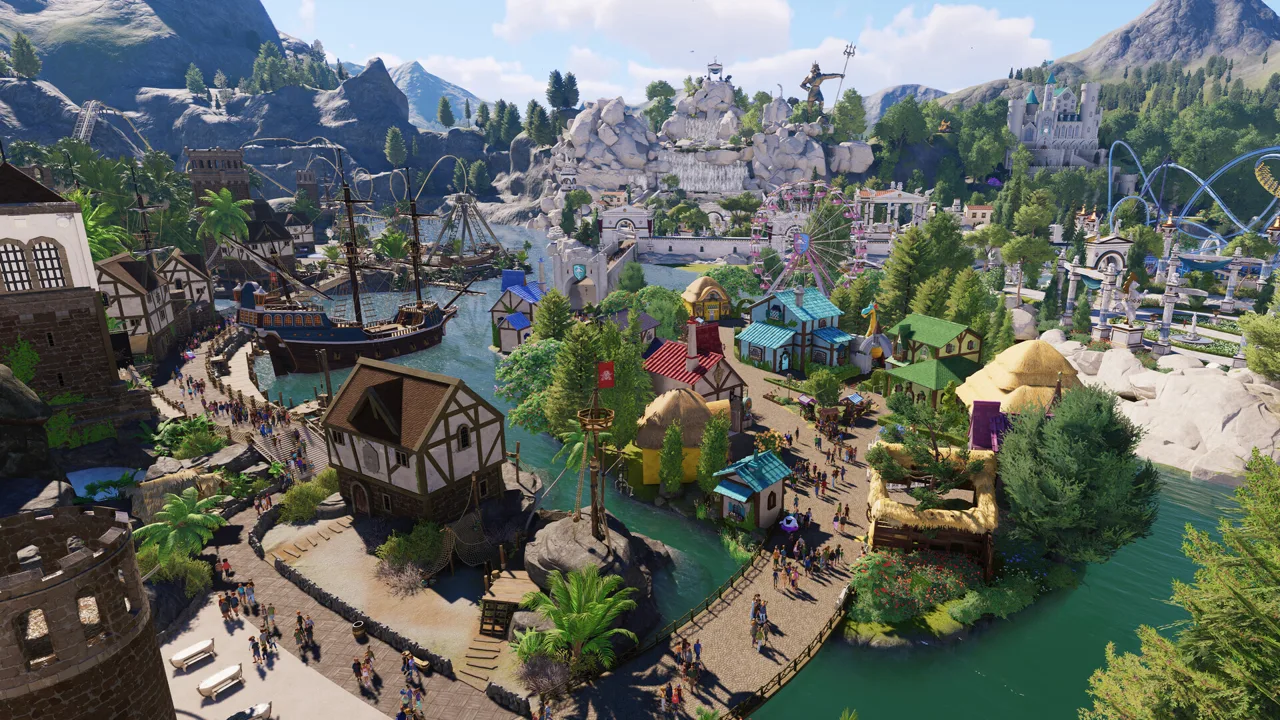
Searching for Planet Coaster 2 mods can lead you to different kinds of customization. Frontier Workshop lets you download community-built coasters, rides, and entire theme parks, while external graphics tools change the visual presentation. Start by deciding whether you want something new to build with or a different look for your existing park.
Workshop creations are builds made with the game’s construction tools. A detailed ride building or elaborate coaster blueprint can transform a park without changing the underlying game systems. Graphics modifications serve a different purpose: they alter the picture rather than supply a new attraction.
Official ride packs are another category. For example, the Vintage Funfair Ride Pack contains ten vintage rides. These expansions add developer-made content and are separate from community creations and external modifications.
Official page: Planet Coaster 2 (planetcoaster.com)
Find Coasters and Full Parks Through Frontier Workshop
Frontier Workshop is accessible in-game and online, with cross-platform sharing for coasters, rides, and full parks. Use it when you want a finished creation to explore or a starting point for your next project.
Choose the type of download around what you want to accomplish:
- Coasters: Explore another builder’s layout, pacing, and use of space.
- Rides: Find creations to help develop an attraction area.
- Full parks: Study how paths, scenery, pools, and attractions fit together across a larger project.
Visit shared parks in first person to see how their spaces feel from a guest’s perspective. Look at the transition from entrance plazas to ride areas, then examine how scenery frames the attractions.
For collaborative building, Sandbox Mode also supports taking turns on a shared cross-platform save. That is a separate feature from downloading a finished Workshop creation.
Create Custom Details With the Built-In Tools
The building tools already support extensive customization, including scalable scenery and objects attached to rides. Piece-by-piece construction gives you room to develop distinctive attractions using existing assets.
Try these techniques before looking for additional tools:
- Scale scenery to suit the attraction. Adjust objects around a ride to build a consistent theme.
- Combine pieces into new-looking props. Shapes and decorative objects can become furniture, machinery, or background details through creative placement.
- Add scenery-built supports where the layout needs attention. Closely overlapping track can produce awkward automatic supports; custom detailing gives you more control over the appearance.
- Use the event sequencer for staged moments. Build dramatic presentation into an attraction rather than relying on scenery alone.
Give your coaster a boundary before designing the layout. Shape it around terrain, neighboring attractions, or a defined footprint. Those constraints can help you develop a more deliberate layout than an unrestricted stretch of empty land.
Adjust the Visual Style With ReShade
ReShade-based visual customization can change saturation, contrast, and the appearance of lighting. Those changes affect how existing scenery reads on screen, including the apparent depth of surfaces and the intensity of nighttime illumination.
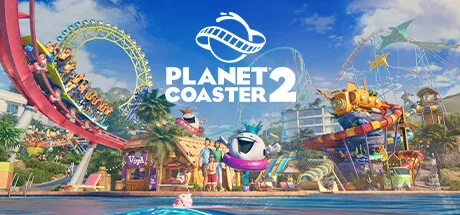 Image: Steam / Frontier Developments
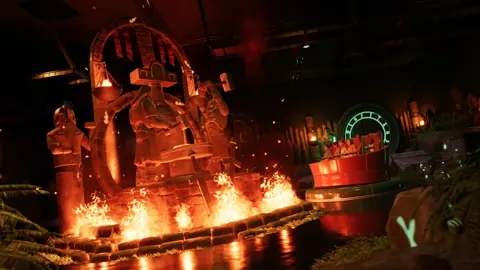
Compare a visual preset across daylight, rain, nighttime, and snow. A treatment that makes wet stone and illuminated interiors more dramatic can make snowy scenes look oversaturated.
Pay particular attention to scenery assembled from repurposed objects. A visual effect can change the apparent finish of those pieces, affecting whether your improvised furniture or machinery still looks the way you intended.
Apply Game Fixes Before Troubleshooting Custom Content
Update 11 Hotfix 15, released August 25, 2026, addressed several problems that could otherwise look like issues with a custom build.
The fixes included:
- Walls and buildings blocking less sound than intended.
- The Phoenix ride blueprint being blocked by an intersecting-terrain warning.
- Fourth Wall and Cinema flat rides failing to play custom music.
- Scenery turning green during multi-selection after connecting a Wait Sign to a ride.
- Shadows appearing incorrectly on kerbs.
The same hotfix added Load/Unload Stations to Studio Tour and Re-Motion rides. If you are revisiting an older attraction design, account for those station options before rebuilding around an earlier limitation.
Popular pages
Planet Coaster 2 Blueprints: Find, Place, and Share
Find Planet Coaster 2 blueprints, use share codes, fix missing downloads, and customize rides, pools, and scenery. Learn to save and share your own builds.
Planet Coaster 2 DLC: Packs, Prices and New Features
Explore Planet Coaster 2 DLC packs, ride counts, prices, and Spooktacular features. Compare paid additions with free updates before expanding your park.
Planet Coaster 2 Suspended Coaster: Models & Build Tips
Find your Planet Coaster 2 suspended coaster, compare Vector models and Toybox Pack content, and plan smoother inversions, scenic layouts, and supports.
Planet Coaster 2 Management Guide: Build for Profit
Use this Planet Coaster 2 management guide to organize staff, fix power problems, improve guest happiness, and grow a profitable theme park. Build smart.
Join the community
Official channels for news, updates and player help: