
Planet Coaster 2 System Requirements: Can You Run It?
Compare Planet Coaster 2 system requirements for CPU, GPU, RAM, and storage. Check your PC specs and explore console and cloud options before you buy.
Jump to
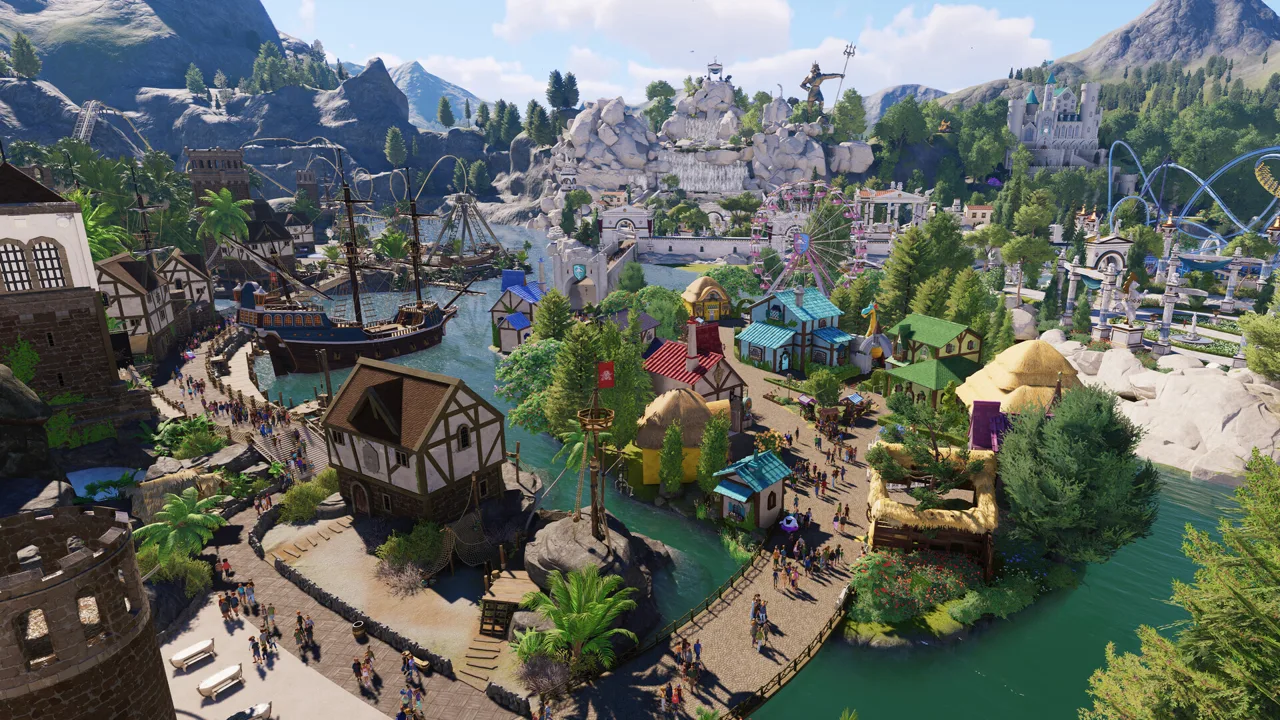
Minimum and Recommended PC Specs
Check your hardware before planning that sprawling water park. The Planet Coaster 2 system requirements start at 16 GB of RAM, 25 GB of available storage, and a 64-bit Windows PC with one of the graphics cards below. An SSD is recommended for the minimum configuration and required for the recommended configuration.
| Component | Minimum | Recommended |
|---|---|---|
| Operating system | Windows 10 64-bit, version 22H2 | Windows 10 or Windows 11, 64-bit |
| Processor | Intel i5-6600K / AMD Ryzen 5 2600 | Intel i7-10700K / AMD Ryzen 7 5800 |
| Memory | 16 GB RAM | 16 GB RAM |
| NVIDIA graphics | GeForce GTX 1060, 6GB VRAM | GeForce RTX 2070 Super, 8GB VRAM |
| AMD graphics | Radeon RX 5600 XT, 6GB VRAM | Radeon RX 6700 XT, 12GB VRAM |
| Intel graphics | Arc A750, 8GB VRAM | Arc A770, 16GB VRAM |
| Available storage | 25 GB | 25 GB |
| Storage drive | SSD recommended | SSD required |
DirectX 12 is required. The NVIDIA, AMD, and Intel entries are alternative graphics cards; you only need one suitable GPU.
Compare your processor and graphics card separately. Having the recommended GPU alongside a processor below the minimum specification still leaves part of your PC below the requirements.
How to Check Your Computer’s Specs
Gather your exact component names before comparing them with the table. “Intel i7” or “GeForce GTX” alone leaves out the model information you need.
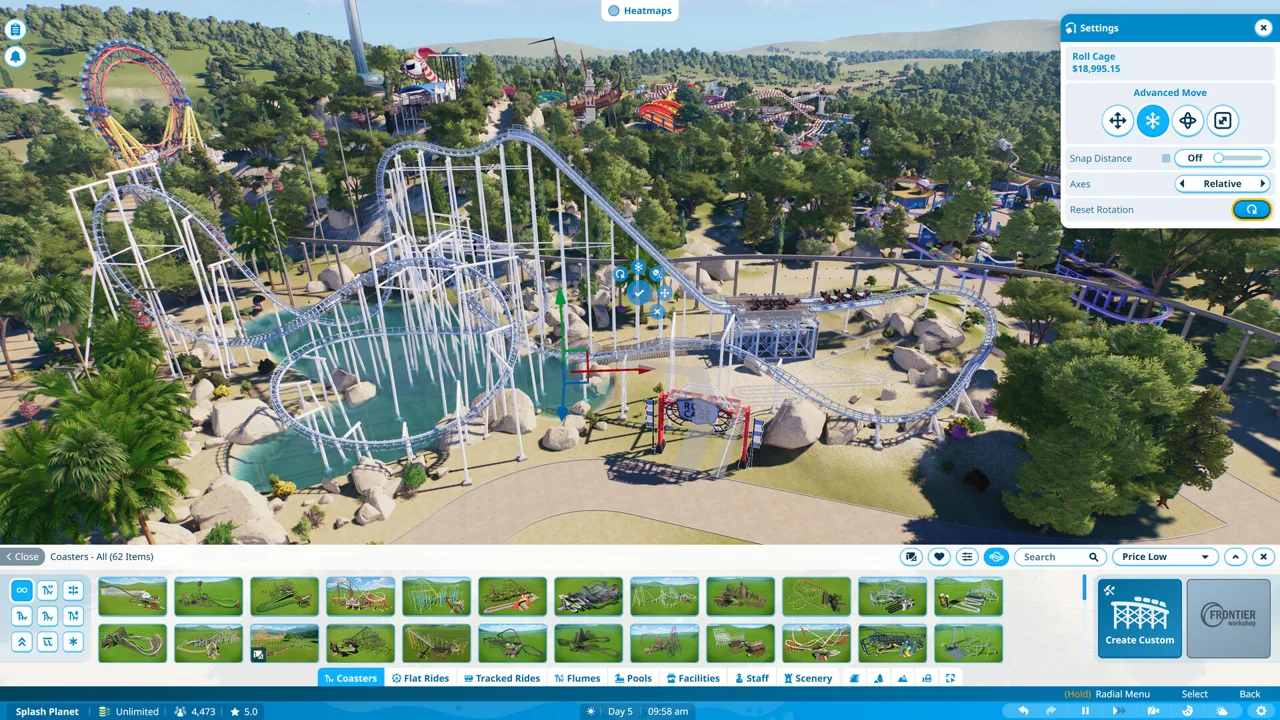 Image: Steam / Frontier Developments
- Check your processor and RAM. Open Windows Settings → System → About and note the processor model, installed memory, and operating system.
- Find your graphics card. Open Device Manager, expand Display adapters, and write down the full GPU name.
- Check available space. Open Storage in Windows Settings and compare your free space with the 25 GB requirement.
- Match the complete configuration. Compare your CPU, GPU, memory, Windows version, and storage drive with the same requirement column.
For a laptop, use its exact graphics hardware when making the comparison. A laptop’s product name alone doesn’t tell you which CPU and GPU are inside.
Once you have your component details, you can buy Planet Coaster 2 on Steam.
RAM, Video Memory, and SSD Space Explained
The memory requirement stays at 16 GB RAM across both configurations. You don’t need 32 GB simply to match the recommended specification.
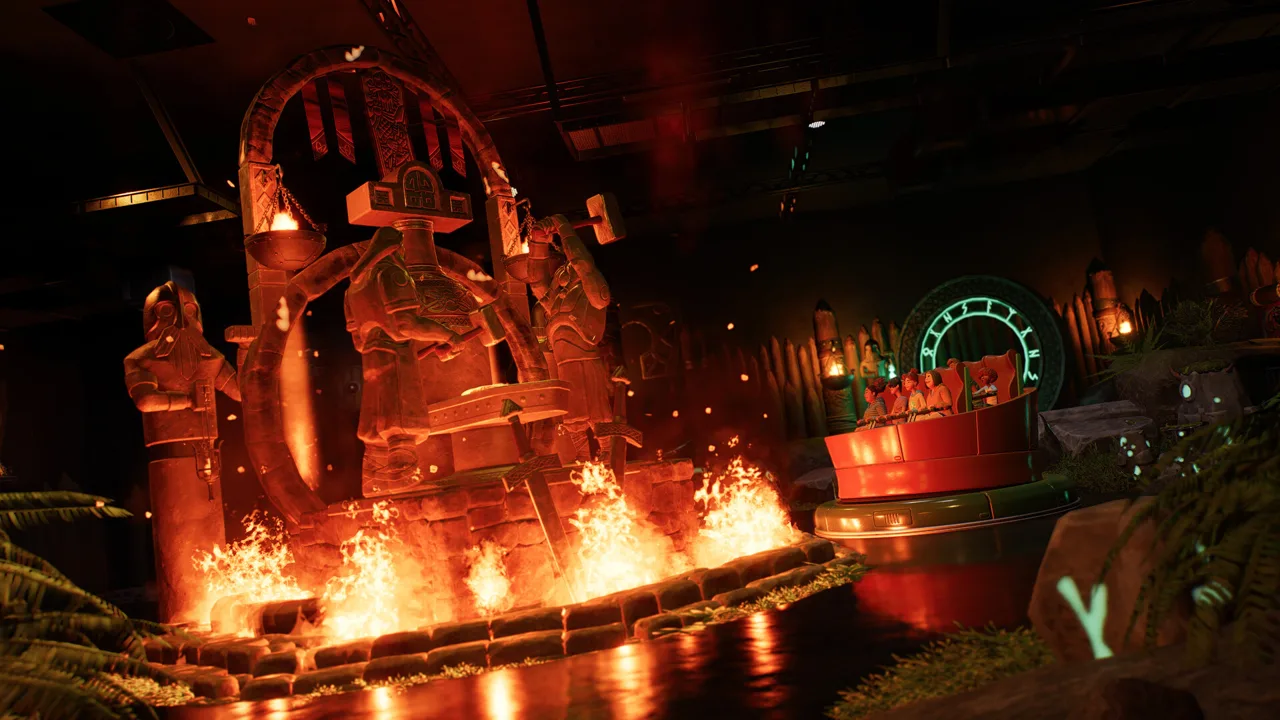 Image: Steam / Frontier Developments
System RAM and graphics memory are separate. A computer with 16 GB of RAM still needs a suitable graphics card with its own required VRAM capacity.
Pay attention to the capacity attached to each GPU:
- GTX 1060: the minimum entry specifies the 6GB version.
- Arc A750: the minimum entry specifies 8GB VRAM.
- Recommended graphics cards: the RTX 2070 Super uses 8GB, the RX 6700 XT uses 12GB, and the Arc A770 uses 16GB.
Those different capacities do not create a universal 16GB VRAM requirement. Compare the complete graphics card model and its memory together.
For storage, check both free space and drive type. A hard drive with 25 GB available satisfies the space figure, but the recommended configuration also requires an SSD.
PC, Console, and Cloud Gaming Options
Planet Coaster 2 is available on PC through Steam and Epic Games Store, plus PlayStation 5 and Xbox Series X|S.
 Image: Steam / Frontier Developments
On Steam, the PC version includes:
- Windows support, with no native macOS or Linux version.
- Full controller support for playing with a gamepad.
- Steam Cloud support.
PC players can also rebind keyboard and mouse controls.
If your computer falls short, consider GeForce NOW. Planet Coaster 2 supports the cloud gaming service, giving players with less powerful computers—including compatible laptops and Macs—another way to play.
Console players have a different constraint: the complexity meter. On PlayStation 5 and Xbox Series X|S, reaching 100 prevents you from placing additional buildings or rides. Streamline your park to bring the meter below that threshold before expanding again.
Across PC and consoles, Frontier Workshop supports sharing parks and blueprints. Friends can also collaborate on parks one at a time through shared cross-platform saves.
Continue with
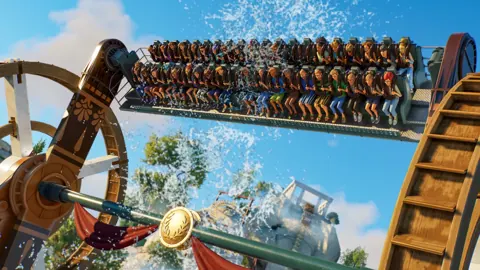 Planet Coaster 2 PS5: Editions, Features, and ControlsExplore Planet Coaster 2 PS5 editions, water parks, controller tips, and cross-platform sharing. Learn what to expect before building your next theme park.
Popular pages
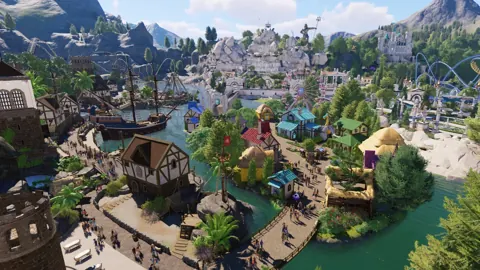
Planet Coaster 2 Mods: Workshop and Custom Content Guide
Explore Planet Coaster 2 mods, Workshop creations, and custom scenery. Learn what changes your park, what changes its visuals, and what updates can fix.
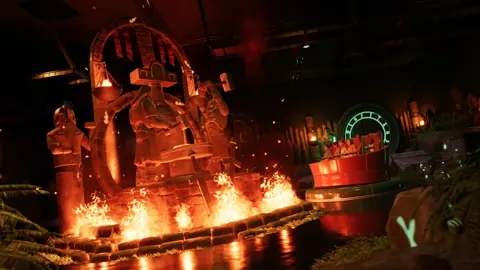
Planet Coaster 2 Blueprints: Find, Place, and Share
Find Planet Coaster 2 blueprints, use share codes, fix missing downloads, and customize rides, pools, and scenery. Learn to save and share your own builds.
Planet Coaster 2 DLC: Packs, Prices and New Features
Explore Planet Coaster 2 DLC packs, ride counts, prices, and Spooktacular features. Compare paid additions with free updates before expanding your park.
Planet Coaster 2 Suspended Coaster: Models & Build Tips
Find your Planet Coaster 2 suspended coaster, compare Vector models and Toybox Pack content, and plan smoother inversions, scenic layouts, and supports.
Join the community
Official channels for news, updates and player help: