Planet Coaster 2 Career Mode: Objectives and Park Tips
Master Planet Coaster 2 career mode with tips for scenario objectives, ride pricing, guest happiness, research, power networks, and water park safety.
Jump to
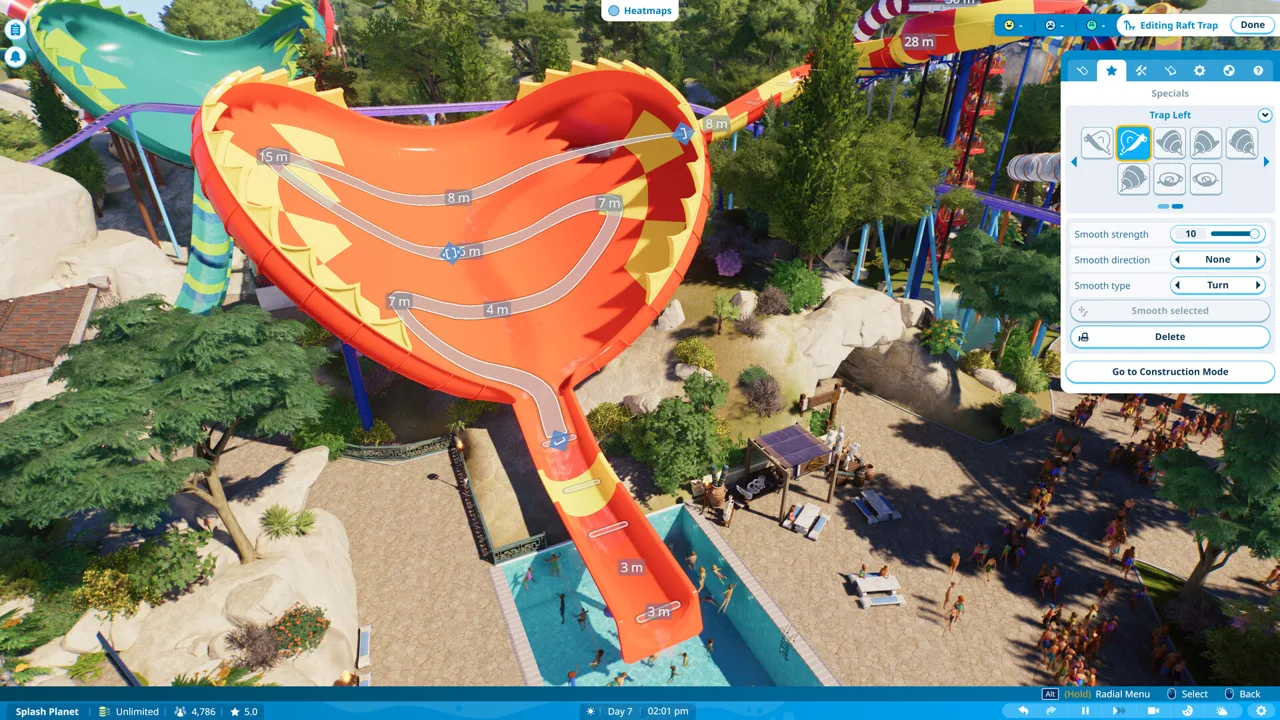
A spectacular coaster won't rescue a park whose guests can't find a drink. Planet Coaster 2 career mode challenges you to complete scenario objectives while managing the services, staff, and infrastructure behind every attraction. Start with the Prologue, then let each park's requirements guide your spending.
How Career Mode Works
Career takes you through theme park and water park scenarios that gradually increase in difficulty. Each chapter introduces parks with their own management challenges, with Eugene Newton, Oswald B. Thompson, and other characters guiding your progress.
The Prologue introduces the systems you'll need throughout the campaign:
- Placing rides and connecting their entrances and exits.
- Managing ticket prices and guest needs.
- Supplying power and maintaining equipment.
- Generating research points through mechanic workshops.
- Building pools, providing filtration, and arranging lifeguard coverage.
Follow those lessons before tackling larger scenarios. Pay particular attention to utilities and staffing: placing an attraction is only part of getting it operational.
Keep the objective panel open as you work. A park can look finished while still missing a required ride category, operating status, or numerical target.
Official page: Planet Coaster 2 (planetcoaster.com)
Pause and Inspect the Park Before Expanding
Pause when you enter a scenario so you can inspect its layout and objectives before making changes.
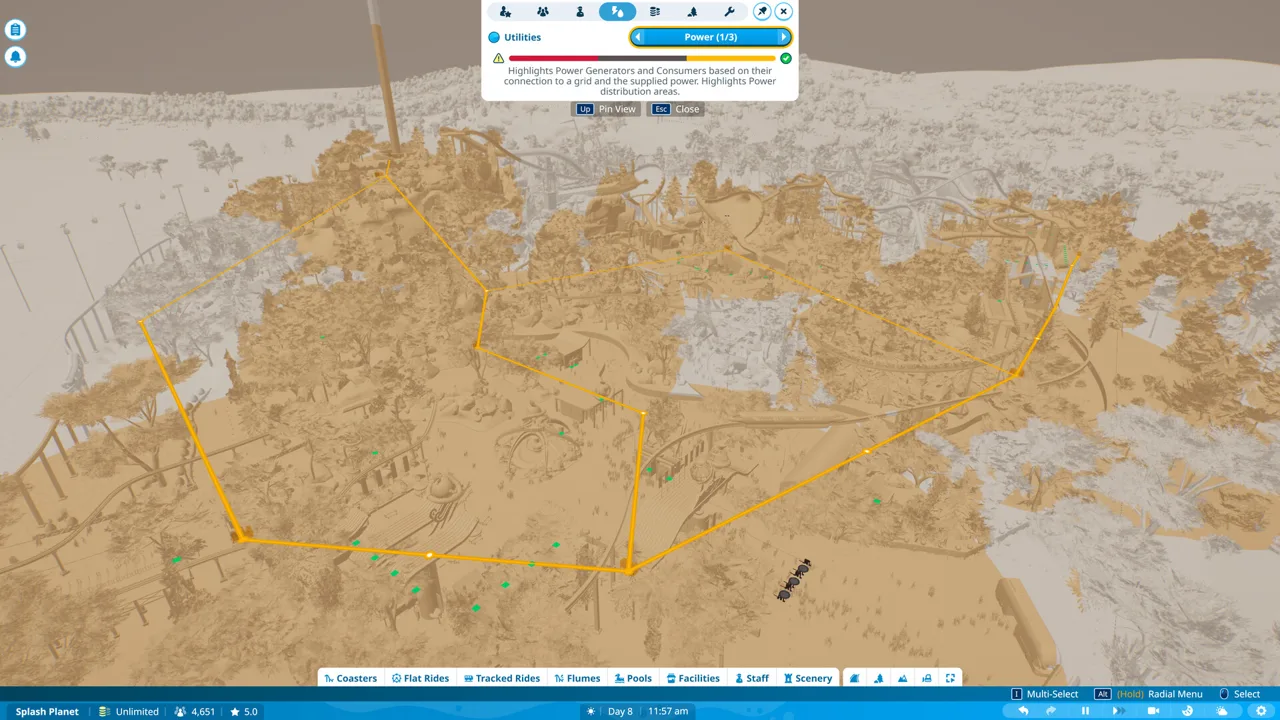 Image: Steam / Frontier Developments
Work through this opening checklist:
- Read the current objectives. Identify required attractions, guest needs, and management targets.
- Inspect existing rides. Check their operating status, path connections, and utility coverage.
- Review guest needs. Use heat maps to locate gaps in food, drinks, restrooms, and seating.
- Check staffing. Look for missing maintenance, cleaning, vendor, or lifeguard coverage.
- Place essential services. Add the facilities and connections needed to support your next objective.
Avoid filling every available patch of land immediately. Build toward the current requirements and leave room for queues, utilities, and nearby amenities.
Add benches and trash cans around the areas you're opening. Guests need somewhere to recover energy and dispose of waste once shops begin serving them.
Match Ride Objectives Before Spending
Read ride requirements literally. If an objective requests a junior coaster, choose that coaster type rather than assuming another small coaster will count.
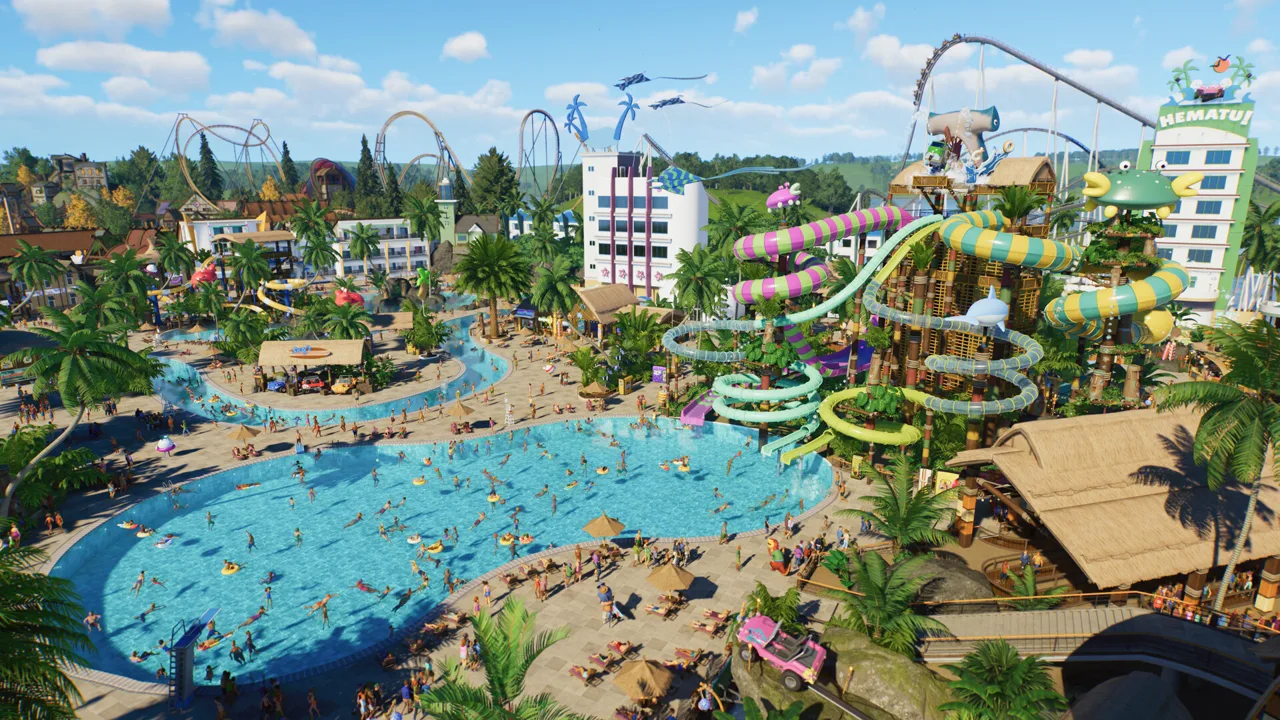 Image: Steam / Frontier Developments
For custom coaster objectives, check every requested measurement before committing to extensive scenery. Requirements can involve track length, airtime, inversions, or drop height.
Use this construction sequence:
- Select the required ride type.
- Build or place a layout that addresses the objective.
- Connect the entrance queue and exit path.
- Supply the necessary utilities.
- Test the ride and inspect its results.
- Correct problems, open the attraction, and check the objective panel.
The early water park tutorial includes a 300 m coaster-length objective and a 600-prestige pool objective. Check the relevant ride or pool panel instead of judging progress by appearance.
For pool prestige, add accessories such as ladders, loungers, and diving boards, then inspect the resulting value. Check pool depth before placing a diving board.
Use Frontier Workshop blueprints when you want to spend less time designing from scratch. Inspect their ride type, footprint, price, and test results before relying on them for a scenario requirement. Subscribe to useful designs before starting a park so they're ready in your catalog.
Review Admission and Ride Prices Together
The tutorial introduces Bargain ride pricing, while other available choices include Premium, Dynamic, and custom prices.
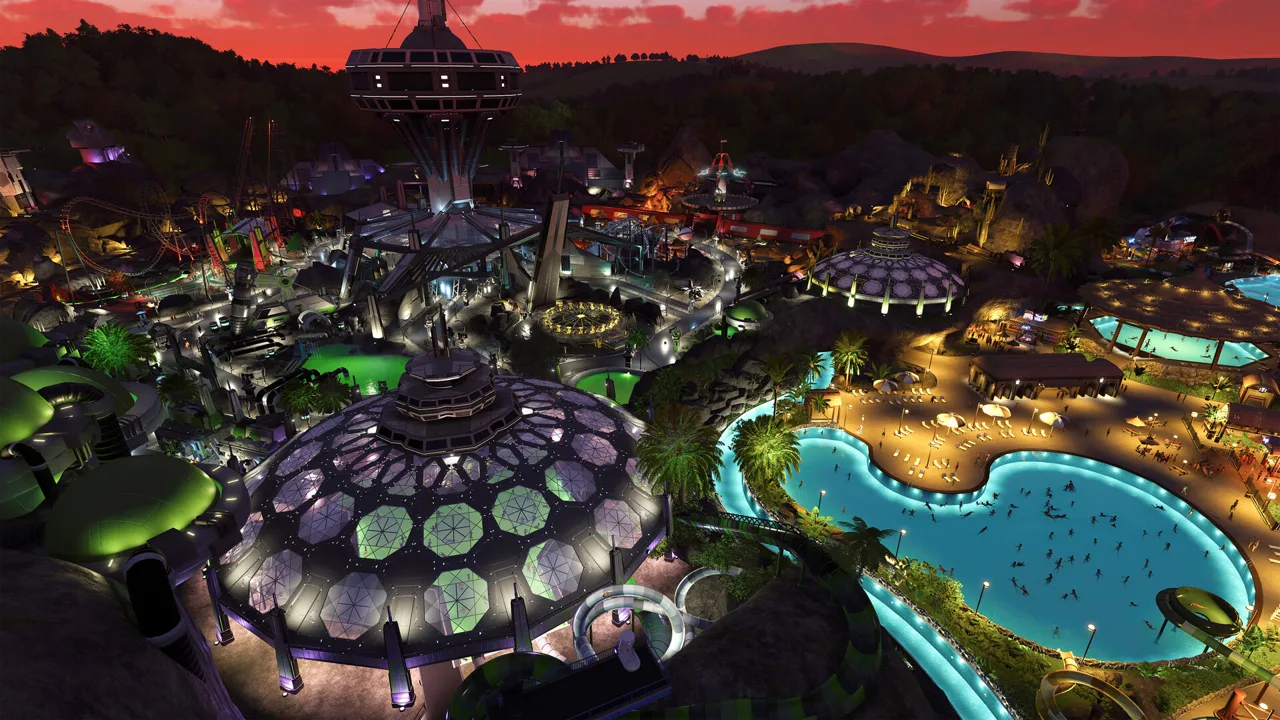 Image: Steam / Frontier Developments
Use the presets while learning how admission and ride charges interact. Custom prices don't automatically adjust when you change the park entrance fee, so review them whenever you alter admission.
Watch guest reactions after changing a price. If visitors complain that an attraction costs too much, lower its price and reassess demand.
Avoid applying Premium pricing to every attraction automatically. Check each ride's appeal and guest feedback before increasing its charge.
Once a new attraction is running, review its income alongside the park's expenses. Keep checking maintenance and staffing while pursuing revenue objectives.
Use Heat Maps to Fix Guest Complaints
Use heat maps to locate problems, then select individual guests to inspect their needs and thoughts. Park averages can hide a hungry queue or a tired group far from the nearest bench.
Match each problem to a specific response:
- Hunger or thirst: place food and drink outlets near the affected area.
- Low energy: add benches along busy routes and around attractions.
- Restroom demand: provide accessible toilets near developed sections.
- Litter: add trash cans and check janitor coverage.
- Merchandise demand: provide gift shops.
- Poor surroundings: decorate exposed shops, facilities, and queues.
Check the people waiting in long lines. Place refreshments where guests can reach them before joining a queue, rather than adding every shop beside the park entrance.
Use vending machines to address food or drink gaps where appropriate. Recheck the heat map afterward to see whether the affected area still needs attention.
Keep your game updated if Concession Stand menu items appear to require DLC:
- Update 11 Hotfix 15, released August 25, 2026, fixed menu items incorrectly requiring the Silver Screen Pack.
Connect Paths Before Opening Attractions
Every ride needs a queue connected to its entrance and a standard guest path connected to its exit. Check both connections before opening it.
Use standard paths when you need ramps or steps. Terrain-bound path options won't provide the same elevation flexibility.
Leave room around popular attractions for their queues and neighboring routes. A short queue beside another busy entrance can create crowding on the main path. Watch guest movement after opening a ride and adjust the layout where traffic becomes congested.
Give transport stations walking connections to the existing guest path network. Keep those routes available so guests can move between areas without depending entirely on the transport ride.
Connect staff buildings with staff-only paths to keep guests out of service areas. Preserve maintenance access when hiding generators or other facilities behind scenery.
Maintain Power, Staff Coverage, and Research
Use the power heat map before placing attractions beyond the developed part of the park. Power distributors extend coverage, but they still need connections to the network.
Inspect generator condition as well as coverage. Poor maintenance reduces power output, so an attraction's electricity problem can begin with a deteriorating generator elsewhere.
Hire mechanics and provide accessible staff facilities for breaks. When a ride breaks down, an available mechanic can respond automatically. Use Call Mechanic when you need to reassign someone, then check that the reassignment hasn't left another area short.
After earning a medal or opening a new section, review staffing again. Check janitors, vendors, and lifeguards against the additional workload rather than hiring without inspecting demand.
Start Research While You Handle Other Objectives
Place and open a mechanic workshop early when research is available. Mechanics generate research points there, which you spend in the research tree to unlock items.
Inspect the tree before planning an attraction you don't yet have. Direct points toward the equipment needed for your current objectives, and keep the workshop operating while you improve the park.
Build Water Attractions With Their Support Facilities
A pool needs more than water and an attractive outline. Prepare guest access, filtration, and safety coverage alongside the attraction.
For a new swimming area:
- Place the pool and connect its surrounding paths.
- Add accessible changing rooms and a body dryer.
- Provide Guest Services nearby so visitors can buy pool passes beyond the entrance.
- Place and connect the water pump and filter.
- Check that the pump has power.
- Inspect the pool safety panel and arrange lifeguard points.
- Add suitable accessories and check prestige if an objective requires it.
Lifeguard points have limited coverage. Use the safety panel to inspect the entire pool, and add more points where needed. Recheck coverage whenever you enlarge or reshape the swimming area.
Provide shade and sunscreen access as part of meeting water park guests' needs. Check nearby seating, drinks, and restrooms as the area gets busier.
Test Flume Lanes Before Opening Them
Start slides from a dedicated flume platform and finish them in a suitable pool or runout lane. Connect guest access, run the tests, and resolve safety warnings before opening.
For an attraction with multiple flume lanes, test and open each lane individually. Inspect their operating statuses rather than assuming that opening one lane activates the whole structure.
Continue with
 Planet Coaster 2 Franchise Mode Explained: Play GuidePlanet Coaster 2 franchise mode explained: learn how to create or join a franchise, share park edits, handle editing locks, and compete on leaderboards.
More in Guide
See all Guide
Continue exploring
Join the community
Official channels for news, updates and player help: