Planet Coaster 2 ReShade: Lighting and Weather Guide
See Planet Coaster 2 reshade options, adjust lighting with Sky Studio, and toggle falling rain or snow without changing ground coverage or temperature.
Jump to
Which Visual Tool Should You Use?
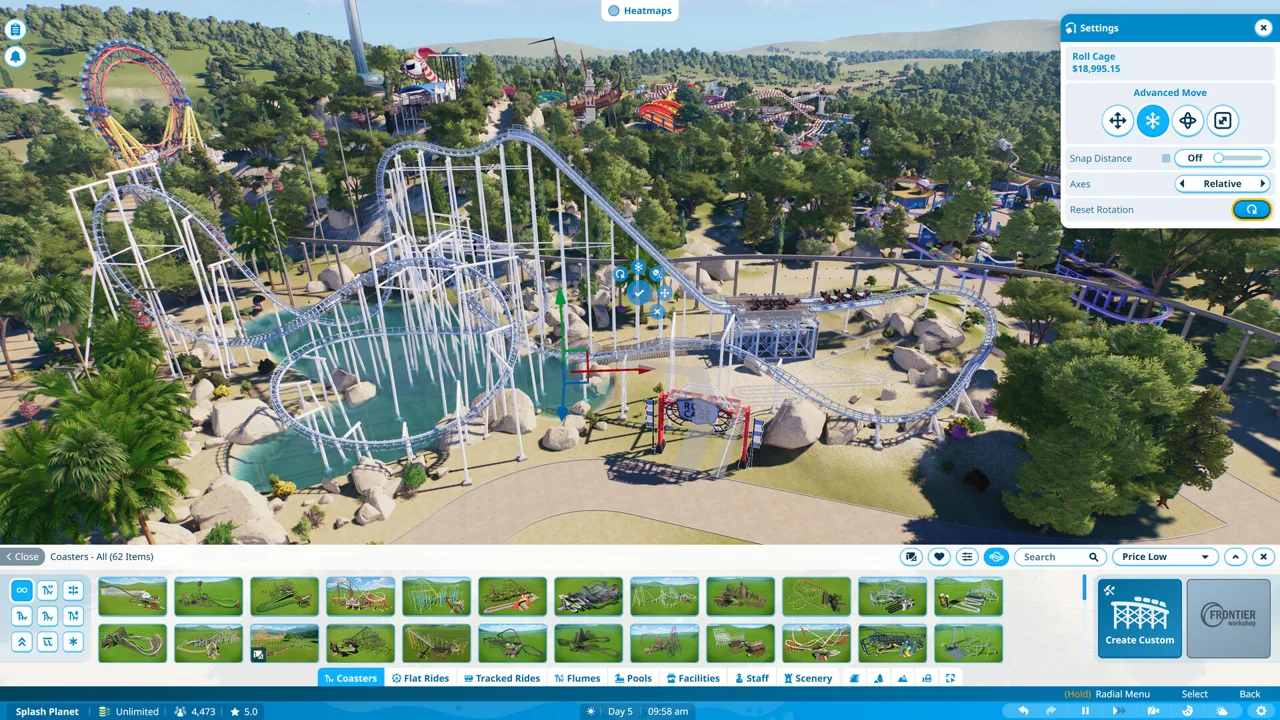
Bright sunlight and falling snow can change how clearly you see your park. If you’re exploring Planet Coaster 2 reshade options, start with the effect you want: Sky Studio adjusts lighting, while Toggleable Falling Snow and Rain hides precipitation particles. Choose the tool that addresses your issue before combining visual changes.
These tools handle different parts of the picture:
- Sky Studio: Adjusts sun color, sunlight intensity, sun position, and moon settings.
- Toggleable Falling Snow and Rain: Uses ShaderToggler to hide falling precipitation while keeping ground snow, wetness, and temperature unchanged.
For a less yellow daytime look, work with Sky Studio’s lighting controls. For a clearer view through snow or rain, use the precipitation toggle.
Official page: Planet Coaster 2 (planetcoaster.com)
Adjust Lighting With Sky Studio
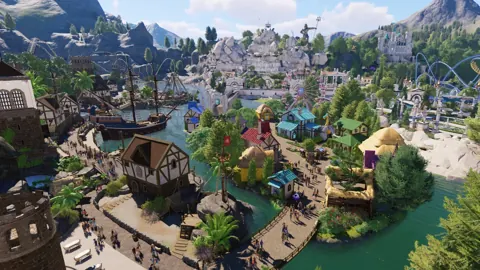
Planet Coaster 2 already uses global illumination. Sky Studio lets you change the lighting’s appearance, including the color and strength of sunlight, without replacing your scenery.
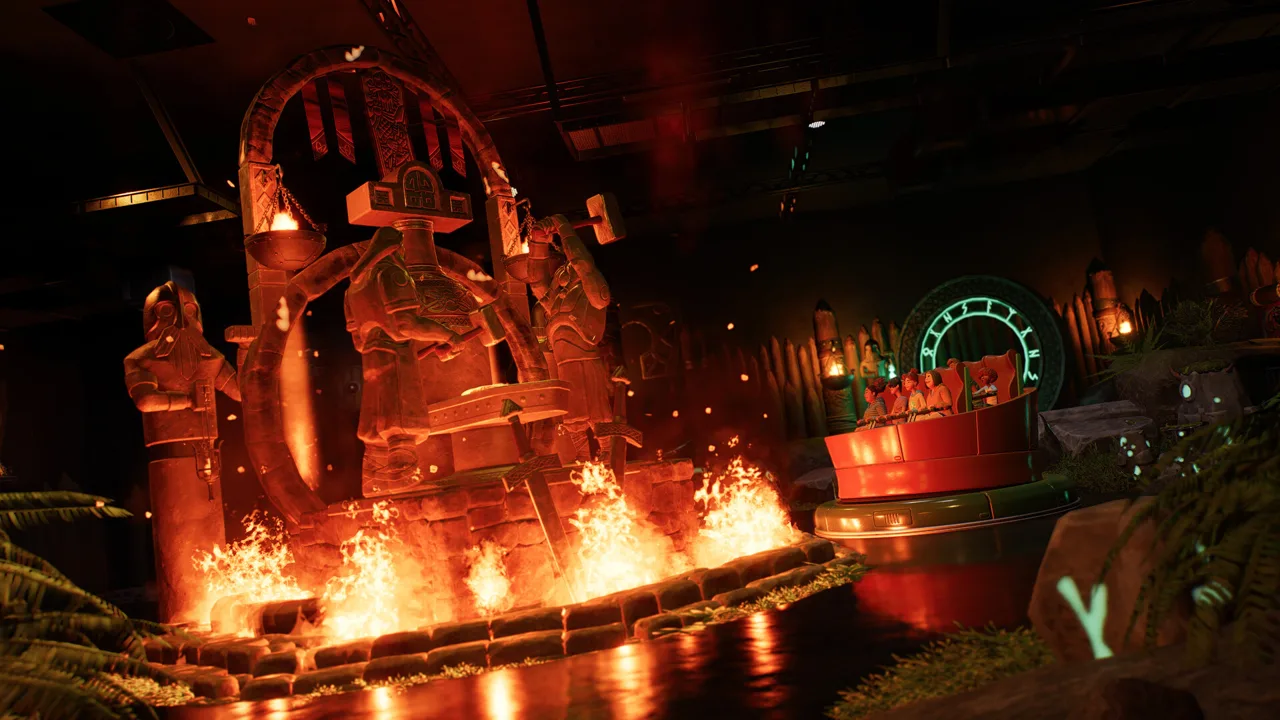 Image: Steam / Frontier Developments
Reduce the Warm Daytime Tint
Start with sun color if buildings and paths look too yellow or reddish for your park’s theme. Reduce the warm contribution gradually, then compare familiar surfaces such as brick walls and pale pavement.
Keep intensity separate from color. Lowering sunlight intensity reduces the strength of the sun, while changing its color adjusts the overall tint. Work on one control at a time so you can identify which change improves the scene.
Try these adjustments:
- Reduce warm tones for a cooler look.
- Lower sunlight intensity if the daytime lighting feels too strong.
- Adjust the sun ground multiplier to change how strongly sunlight affects the ground.
- Compare the result with vanilla lighting before making another change.
Avoid copying isolated slider numbers without their complete settings. Sun color, intensity, and the ground multiplier work together.
Position the Sun for Screenshots
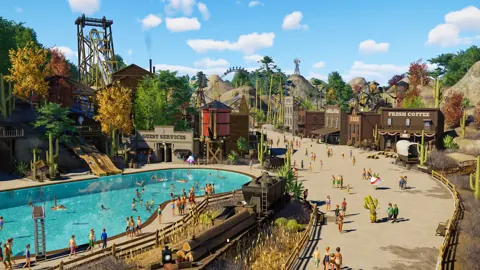
Move the sun to adjust the direction of shadows across your buildings and rides. Use that control to frame a coaster against its surroundings or bring out the shape of a detailed facade.
Sky Studio also provides moon adjustments, including changes that make nighttime darker. Check illuminated scenery after changing those settings so your intended focal points remain visible.
Write down your values between sessions; Sky Studio requires you to enter the lighting settings again rather than retaining them.
Set Up the Falling Snow and Rain Toggle
Toggleable Falling Snow and Rain changes the visibility of falling particles. Snow already covering the ground stays in place, wet surfaces remain wet, and the temperature is unaffected.
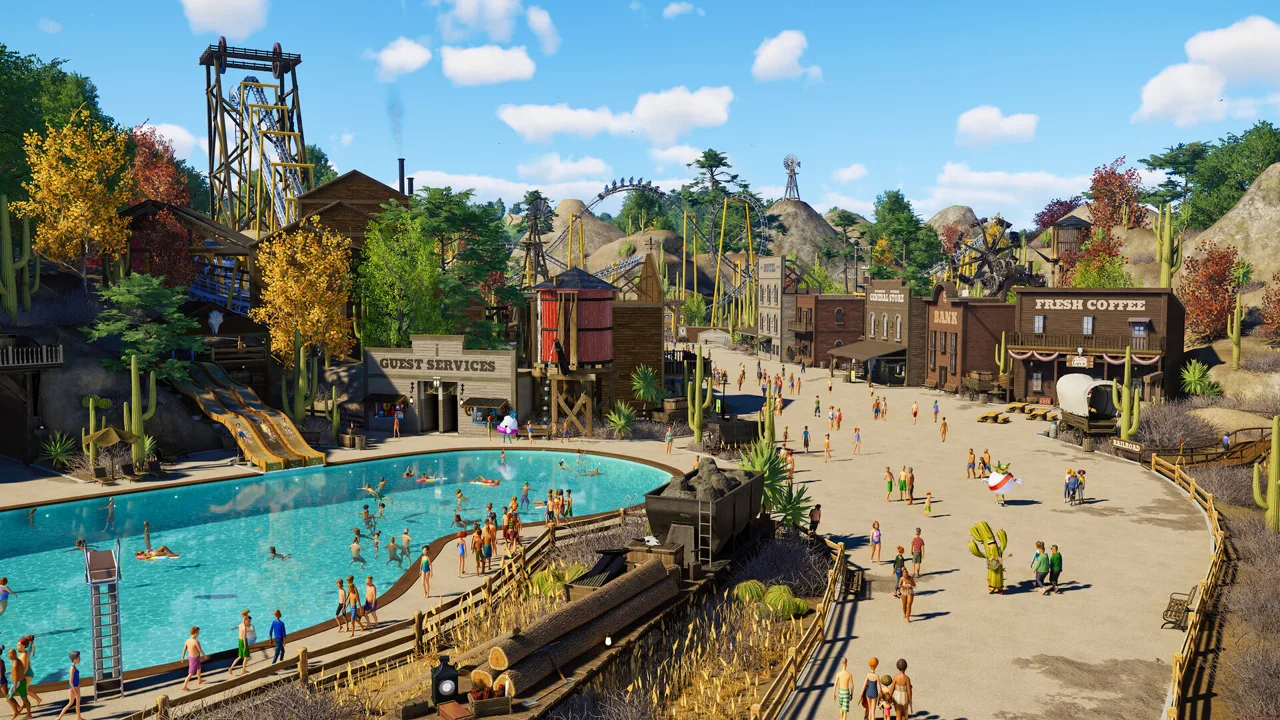 Image: Steam / Frontier Developments
Version 1.1, released July 14, 2026, also includes a rain type that appears during some thunderstorms.
Follow this setup sequence for the precipitation mod:
- During setup, disable all effects.
- In the add-ons selection, install only ShaderToggler.
- Download and extract the precipitation mod into the main game folder.
- Check that
ShaderToggler.inisits besidePlanetCoaster2.exe.
Use the executable’s location as your reference when placing the configuration file. The instructions for coaster mods that use Win64 and OVLData apply to a different installation method.
To have falling precipitation visible by default, edit ShaderToggler.ini and change IsActiveAtStartup=True to IsActiveAtStartup=False.
Know Which Visual Problems Need a Different Fix
Sky Studio does not change scenery LOD, or level of detail. If tree geometry visibly changes as you move the camera away, adjusting sunlight will leave those transitions intact. Separate color complaints from model-detail complaints before spending time tuning sliders.
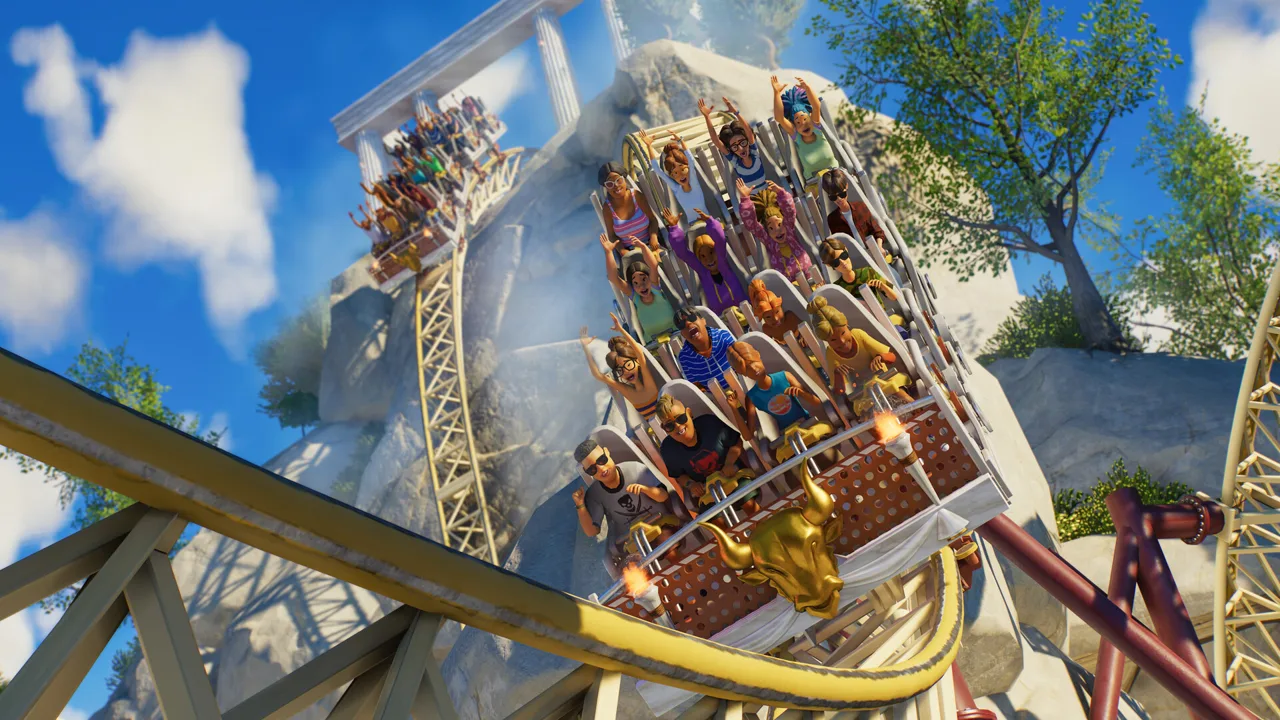 Image: Steam / Frontier Developments
Likewise, hiding precipitation does not turn snowy weather into clear weather. It removes the falling particles while preserving the conditions affecting your park.
For incorrect shadows on kerbs, the August 25, 2026 Update 11 Hotfix 15 included a specific correction. Apply that game update before trying to compensate for the issue through lighting adjustments.
Continue with
 Planet Coaster 2 Forge Utils: Install and Setup GuideSet up Planet Coaster 2 forge utils with ACSE, find the right mod folder, fix extraction mistakes, and understand compatibility before adding custom rides.
More in Mods
See all ModsPopular pages
Planet Coaster 2 PS5: Editions, Features, and Controls
Explore Planet Coaster 2 PS5 editions, water parks, controller tips, and cross-platform sharing. Learn what to expect before building your next theme park.
Planet Coaster 2 Blueprints: Find, Place, and Share
Find Planet Coaster 2 blueprints, use share codes, fix missing downloads, and customize rides, pools, and scenery. Learn to save and share your own builds.
Planet Coaster 2 DLC: Packs, Prices and New Features
Explore Planet Coaster 2 DLC packs, ride counts, prices, and Spooktacular features. Compare paid additions with free updates before expanding your park.
Planet Coaster 2 All Flat Rides: Names and Build Tips
Explore Planet Coaster 2 all flat rides, compare Hellion Ring and Synchronise 2 blueprints, and get useful tips for custom scenery, queues, and lighting.
Join the community
Official channels for news, updates and player help: