
Planet Coaster 2 Parades Pack: Features & Build Guide
Explore the Planet Coaster 2 parades pack, including five rides, custom floats, Small Town scenery, scheduling tools and tips for building your first show.
Jump to
What Does the Parades Pack Add?
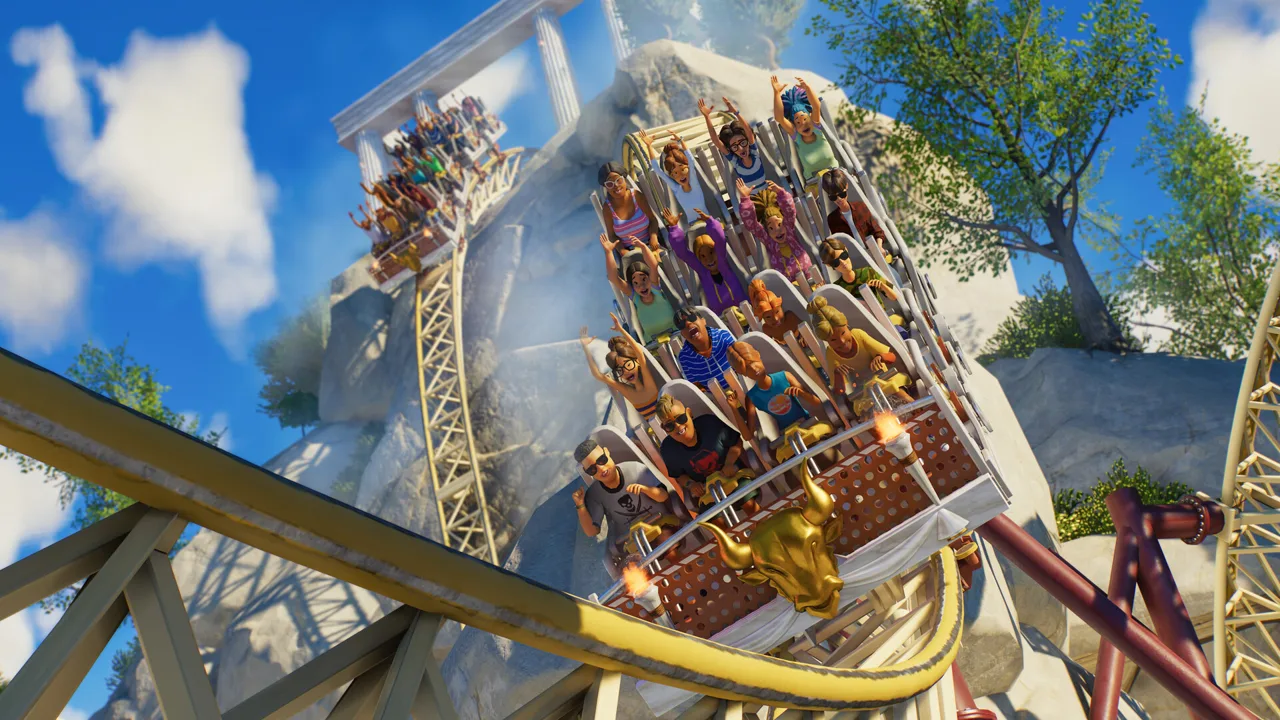
Give your park a show that brings guests to the sidewalks. The Planet Coaster 2 parades pack adds customizable processions, five attractions, and Small Town scenery for building a lively main street. You can design the floats, choose their performers, and schedule celebrations around your park’s opening hours.
Released June 25, 2026, this DLC is available for PC, PlayStation 5, and Xbox Series X|S. It requires Planet Coaster 2; it isn’t a standalone game.
The pack includes:
- A parade system with custom routes, connected floats, walking performers, and scheduling controls.
- Hundreds of float scenery pieces, including illuminated decorations.
- More than 200 Small Town scenery pieces for storefronts, plazas, and detailed streets.
- Five rides, including the Electric Trolley Transport Ride.
- Mayor Pipwhistle, a new Entertainer.
- 19 fireworks, six upbeat jazz tracks, and additional Small Town audio.
The U.S. Steam price is $18.99, with a 25% promotion reducing it to $14.24 through November 2. You can purchase the Parades Pack on Steam.
Build Your Parade Route Before Decorating
A parade works much like a track ride: place a station, build its route, and configure the procession that travels along it. You can create a complete loop or finish an open-ended route with an end station.
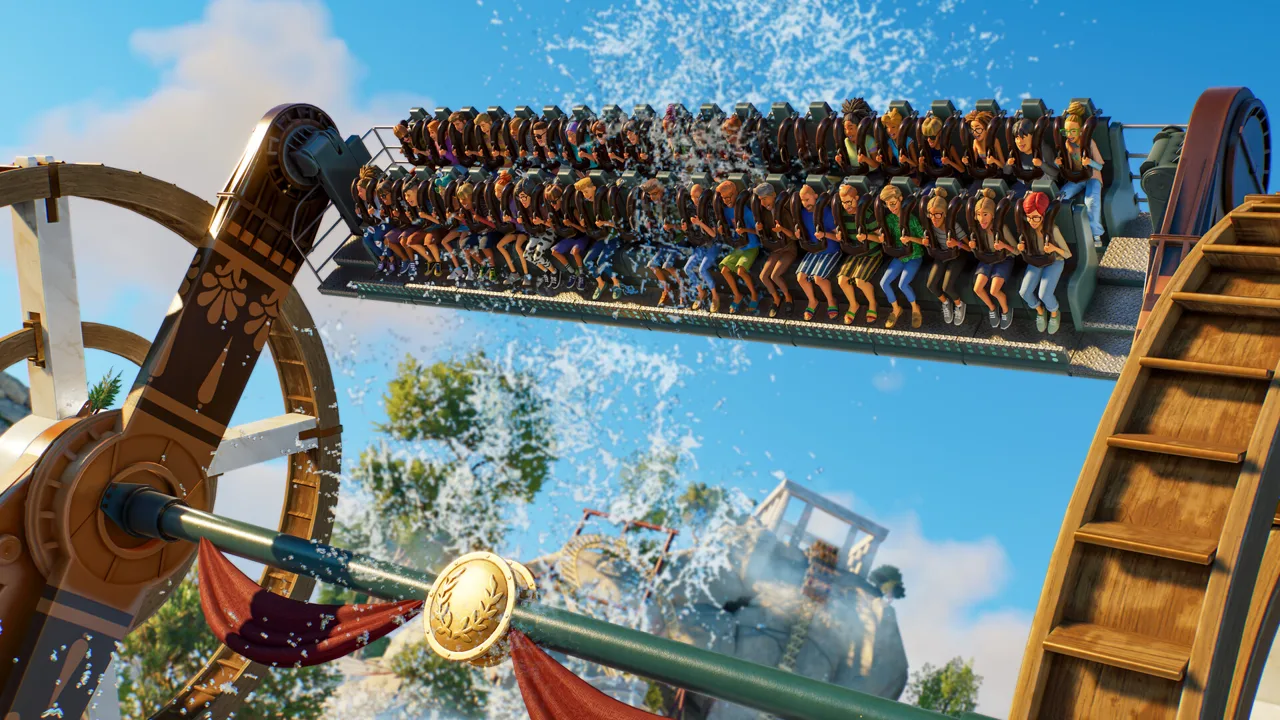 Image: Steam / Frontier Developments
Start with the route so your storefronts and viewing areas fit around the procession:
- Place the parade station. Leave room for the street you want to build.
- Choose path track or regular track. Path track offers optional parallel sidewalks.
- Lay out the procession’s route. Curves, elevation changes, and banking are available.
- Complete the loop or add an end station.
- Connect a staff gate before running the parade.
Use an open-ended layout when you want a procession through one street without building a return circuit around the park. Choose a loop when the route itself should circle a larger area.
The optional parallel sidewalks can be adjusted separately. The parade’s track path doesn’t behave like an ordinary editable guest path. For a street you want to build with normal path tools, lay your paths first and place the parade route over them without the additional sidewalks.
Guests gather along the route to watch. After the final float passes their position, they can resume moving rather than waiting for the entire procession to finish elsewhere in the park.
Customize Floats and Performer Groups
The parade’s Trains controls determine what comes out of the station. Each train is a connected group of floats, and separate trains can depart at different intervals.
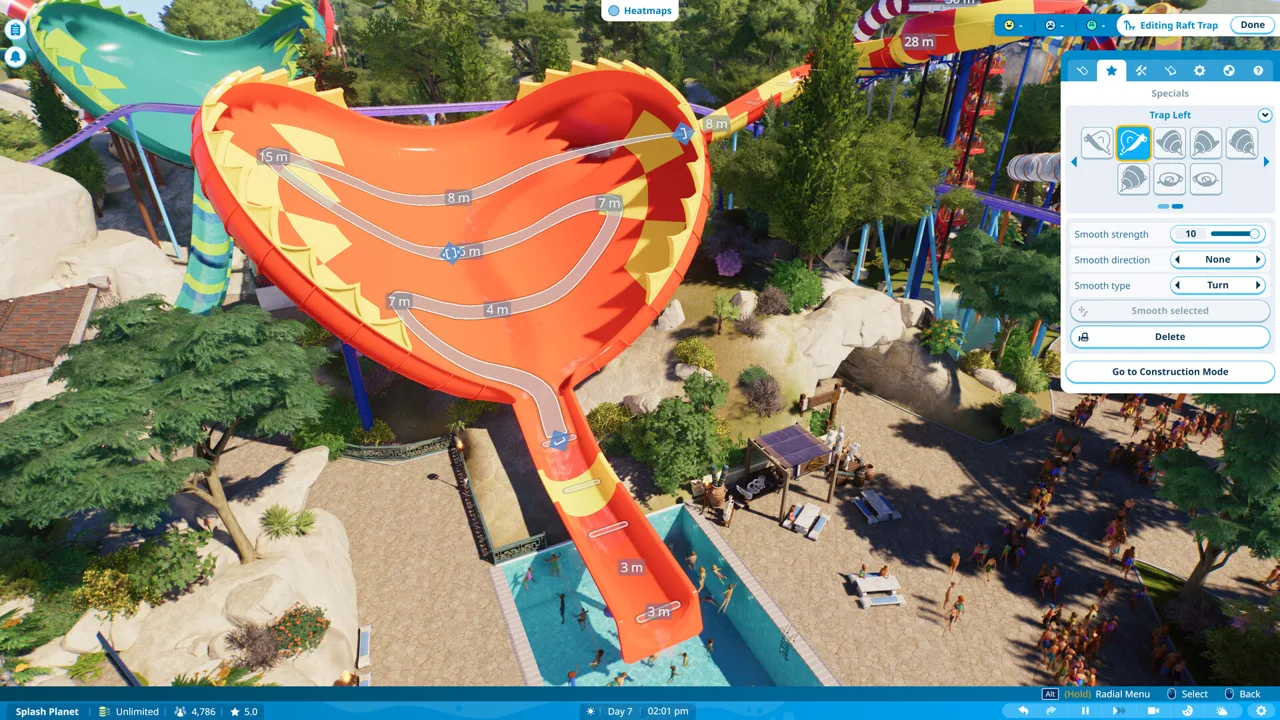 Image: Steam / Frontier Developments
Large, bridge, and small float options let you vary the procession. You can also add groups of walking performers, arranging them in rows of two, three, or four.
Keep these two timing controls separate: train intervals control the gaps within a procession, while scheduling controls when the whole parade begins.
Start With a Blueprint or Build From a Base
Ready-made float blueprints let you assemble a decorated procession quickly. Attach a blueprint to the parade, then adjust its position to fit the float.
For a custom design, attach a base and build outward with scenery. The decorations include recolorable shapes, wood and metal finishes, illuminated railings, themed ornaments, and lighting pieces.
Start with one decorated float and test its placement before expanding the procession. Use the included starter parade blueprints when you want a working layout to customize.
Put Entertainers Where the Show Needs Them
Performer points let you position Entertainers on a float instead of relying entirely on the walking positions alongside it. You can choose the character and set behaviors such as waving or appearing happy.
Mayor Pipwhistle fits the Small Town theme, complete with a hat-tip confetti flourish. Other Entertainers can join the procession, too.
Walkable platforms allow performers to move on the float. Performer platforms can also be attached to moving elements, including rotating platforms, so a character can turn while waving.
Position your performer points before adding the final decorations. Check their facing direction so characters address the sidewalk you intend them to face.
Create a Water Procession With Hidden Track
You can create the appearance of floating boats by running parade track beneath the water and raising the attached scenery above the surface.
This uses submerged track to move the float; it isn’t a separate boat-navigation system. Use it for a water procession, and plan around the walking attendants when hiding the route.
Schedule Shows, Music, and Effects
Scheduling supports both a number of performances per day and specific start times. There’s also a Run Parade Now option for watching the show immediately.
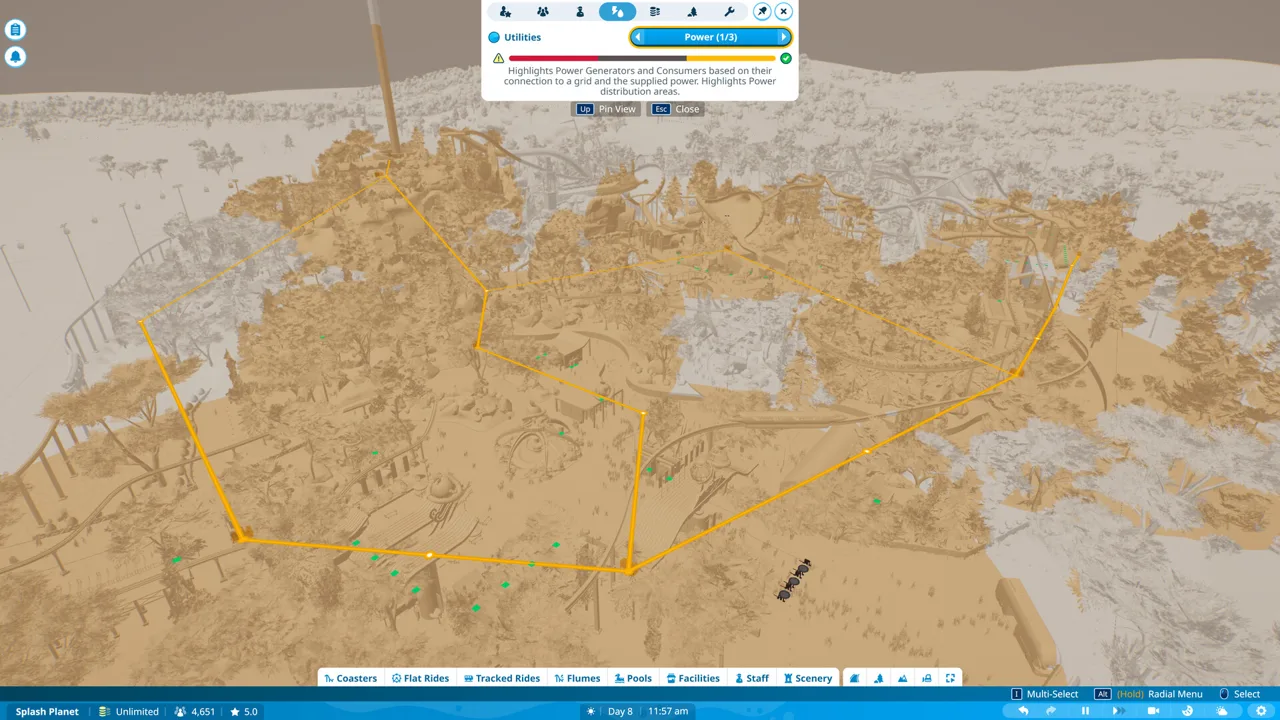 Image: Steam / Frontier Developments
Use exact start times when you want a procession to anchor a particular moment in the park’s day. Set a departure interval between trains when you want distinct gaps between float groups.
Effects can run repeatedly or respond to triggers along the route. For example, a confetti cannon can fire every 10 seconds, or you can connect it to a trigger so it fires when the parade reaches a chosen position.
For a timed effect:
- Attach the effect to the float.
- Place a trigger along the parade route.
- Create a trigger sequence.
- Connect the effect to that sequence.
- Run the parade and watch the effect activate at that location.
The pack adds six upbeat jazz tracks for parade music, plus 19 fireworks for larger displays. Speakers and triggered sequences give you further control over the presentation.
Use the illuminated scenery for a nighttime procession. Add individual light sequences where you want a deliberate flashing pattern; use the glowing decorative pieces when you want movement and color without sequencing every bulb.
Account for Operating Costs
Parades have running costs tied to performers and attendants. They also require maintenance and refurbishment.
In a park with a budget, check the operating cost before adding more performers or increasing the number of shows. Test a smaller procession before committing to a longer lineup.
Build a Main Street With Small Town Scenery
The Small Town set adds more than 200 pieces, including brickwork facades, nostalgic storefronts, hand-painted signs, and barbershop quartet animatronics.
Its building pieces extend beyond parade decoration. Walls, columns, windows, doors, awnings, roof details, and wrought-iron elements let you build a complete entrance street around the route.
Use the building blueprints to establish your street, then customize their colors and details. Repeat lamps, railings, and signage across neighboring buildings to give the plaza a consistent design.
The barbershop quartet consists of individual animatronics, allowing you to arrange the singers separately. Modular lamps and brackets also let you assemble different lighting arrangements.
Give Each Storefront Its Own Sound
Small Town audio includes:
- A Busy Bakery
- Barbershop
- Cosy Room
- Classic Car Engine
- Ice Cream Parlour
- Piano Lesson
- Small Town Office
- Small Town Street
There are also two Small Town music tracks, separate from the six parade jazz tracks.
Place bakery ambience near a bakery facade, piano sounds beside a building with an implied interior, and street ambience around the plaza. Use these localized sounds to carry the setting between scheduled shows.
For interior builds, the two bay-window pieces offer adjustable glass opacity. Use those where you want visibility through the window rather than assuming every decorative window has the same glass controls.
All Five New Rides
The attractions cover high-thrill rides, a gentler drop tower, and park transportation.
| Ride | Main features |
|---|---|
| HPC - Buzzard | A single-rail coaster with open-air, single-seat cars, tight turns, drops, and inversions. |
| V&N – Narrow Drop | Elevated views followed by an intense vertical drop. |
| Jumpin’ Disc | A spinning ride with hydraulic arms that bounce riders through forceful movements and weightless moments. |
| Little Dipper | A smaller drop tower with gentle rises and mini drops for younger guests. |
| Electric Trolley Transport Ride | A transport attraction inspired by vintage streetcars. |
Ready-made blueprints and customization options are included for the rides.
Use Little Dipper when adding a gentler attraction to a family area. For the Small Town district, carry the storefront theme through to an Electric Trolley station so the transport ride feels like part of the street.
Continue with
 Planet Coaster 2 Spooktacular Pack: Full DLC GuideExplore the Planet Coaster 2 Spooktacular Pack, including Walkthrough Attractions, seven rides, spooky scenery, entertainers, and Halloween sound effects.
More in DLC
Planet Coaster 2 DLC: Packs, Prices and New Features
Explore Planet Coaster 2 DLC packs, ride counts, prices, and Spooktacular features. Compare paid additions with free updates before expanding your park.
Planet Coaster 2 Toybox Pack: Rides, Price & Scenery
Explore the Planet Coaster 2 toybox pack, including five rides, toy-themed scenery, its $12.99 price, and what comes with the free Update 8 for builders.
Planet Coaster 2 Vintage Funfair Ride Pack: DLC Guide
Explore the Planet Coaster 2 vintage funfair ride pack, including all ten rides, Deluxe Edition details, and ideas for building a nostalgic fairground.
Continue exploring
Planet Coaster 2 Building Guide: Better Custom Parks
Use this Planet Coaster 2 building guide to create custom shops, master grids, improve roofs and lighting, and build parks with more detail and less fuss.
Planet Coaster 2 Paths: Build Plazas, Ramps, and More
Master Planet Coaster 2 paths with tips for plazas, queues, stairs, ramps, railings, and precise edits. Learn the tools and build connected park walkways.
Join the community
Official channels for news, updates and player help: