Planet Coaster 2 Narrow Log Flume Ride: Build Tips
Build a Planet Coaster 2 narrow log flume ride with mountain scenery, varied drops, and useful checks for unexpected closures and dispatch interval resets.
Jump to
Plan Your Flume Around the Terrain
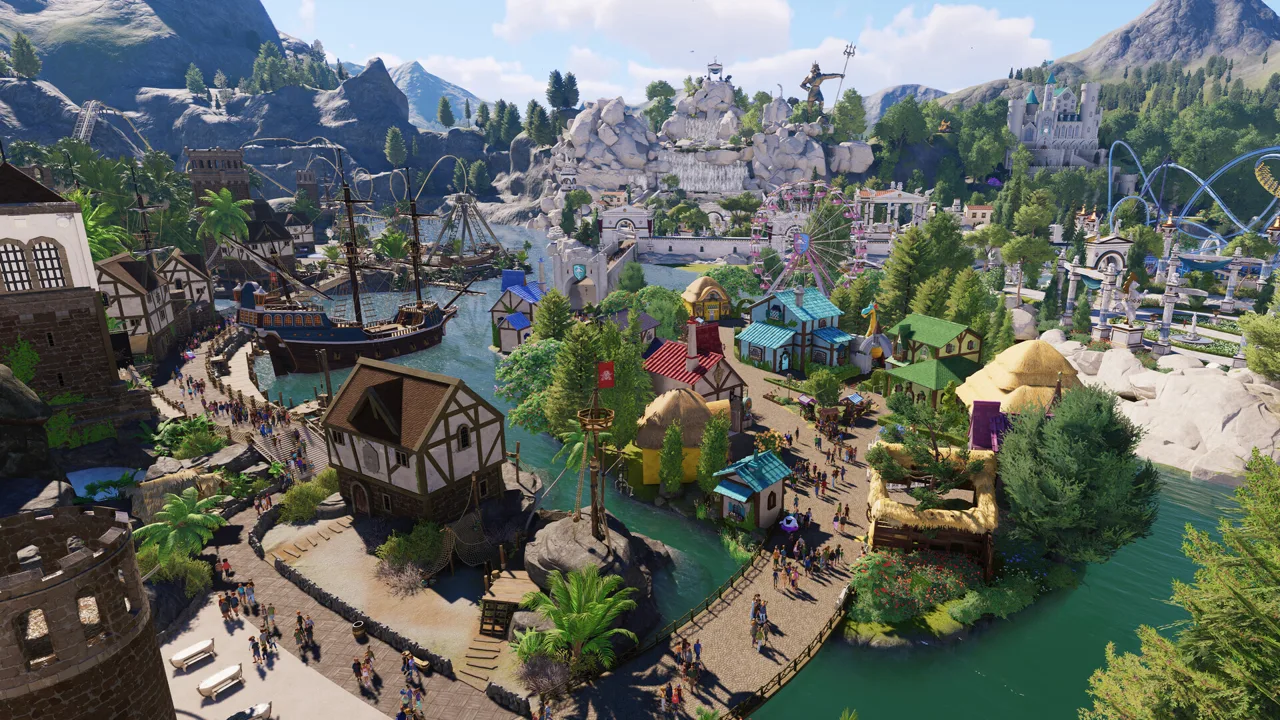
A Planet Coaster 2 narrow log flume ride can give a mountainous park area a splash-filled centerpiece. Build toward a final drop overlooking a guest path, with smaller scenes along the journey to make the climb interesting. Check the ride’s operation before surrounding it with detailed scenery, especially if you encounter unexpected closures.
Start by planning the relationship between the station, the hillside, and the final splash. Leave room for the return journey instead of squeezing the station connection into whatever space remains.
For a mountain-themed layout, use these design priorities:
- Work the route through different elevations rather than making the entire journey one long climb.
- Separate drops with scenic stretches so each descent has its own setting.
- Position the final drop where guests approaching the attraction can see it.
- Plan the return turn alongside the nearby path to keep the ride visible after the splash.
Keep the layout readable from ground level. A mountain can conceal parts of the journey while leaving the main drop exposed, giving riders a destination and passing guests a reason to stop and watch.
Official page: Planet Coaster 2 (planetcoaster.com)
Give Each Scenic Section a Purpose
Planet Coaster 2 supports terrain shaping, scalable scenery, and customizable building pieces. Use those tools to give the flume a consistent setting without covering every stretch of trough.
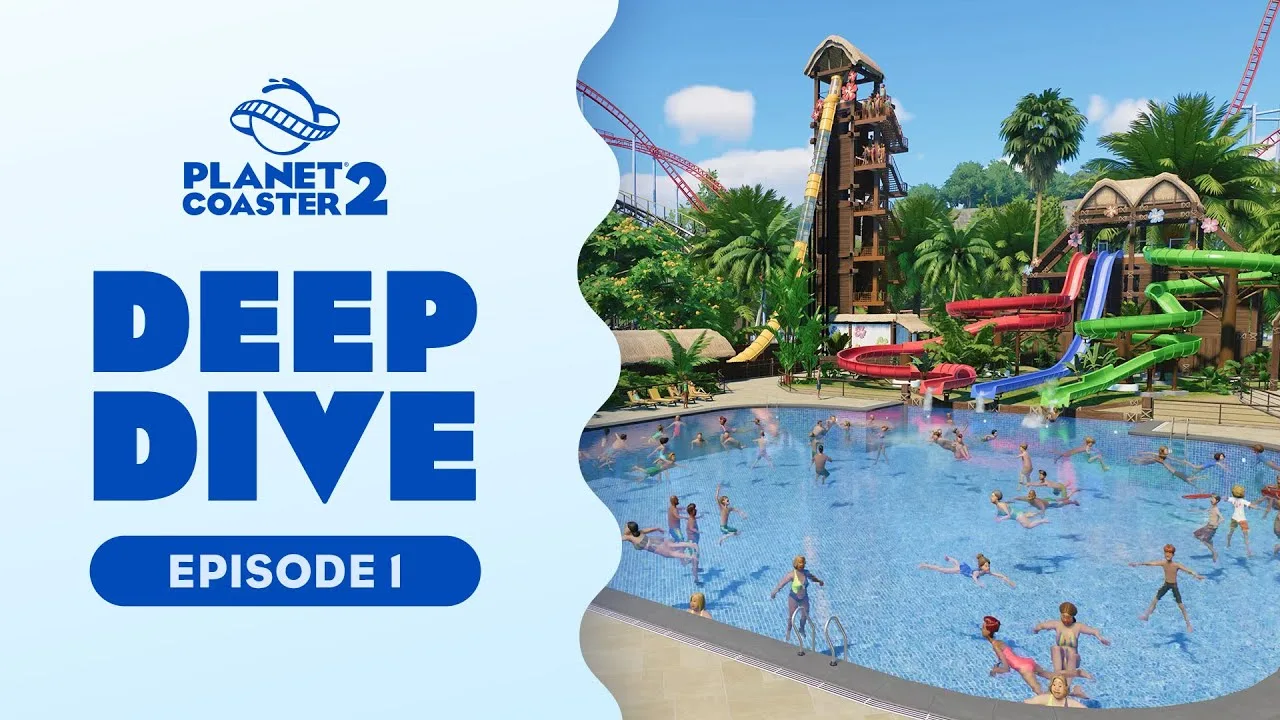
For a Viking mountain theme, combine rockwork, trees, timber structures, and stone statues. Build around a few distinct scenes: an exposed hillside, a sheltered wooden passage, and a final building before the main drop.
Use rockwork to frame the route and wooden structures to connect the attraction visually with the surrounding area. Leave gaps in timber buildings when you want daylight to reach an interior section. Place crates and barrels inside a building to suggest a working outpost or storage area.
Water effects can create anticipation between drops. Alternate fountains and waterfalls with quieter stretches rather than filling every scene with spray. Keep the final approach visually simple enough that the drop remains the focus.
Decide on a story before adding lots of small props. A journey through a mountain settlement gives buildings and statues a shared purpose, making it easier to choose what belongs along the route.
Check Automatic Closures Before Rebuilding
Unexpected shutdowns have affected the Narrow Log Flume. Related flume problems include rides closing shortly after opening, the operator leaving, and the queue emptying without a breakdown.
In version 1.2.0, flumes still experienced automatic closures. These historical problems make operating checks worthwhile before you replace an otherwise finished attraction.
If your ride repeatedly shuts down:
- Watch it operate after reopening and identify what happens immediately before the closure.
- Inspect the minimum dispatch interval.
- Watch boat spacing around lifts and turntables wherever those elements are present.
- Change one setting at a time, then observe another operating cycle.
Minimum dispatch intervals reverting to 2 seconds were part of an earlier flume problem. Boats could arrive too close together and collide around lifts or turntables, closing the attraction.
Increase the interval if boats are bunching up, then watch whether the spacing actually changes. Recheck the setting after loading the park: the historical reset problem included intervals returning to 2 seconds on reload. Focus on the section where operation fails before changing the rest of the layout.
Connect the Attraction to the Surrounding Area
Plan the queue and nearby paths alongside the ride. Give waiting guests views of boats moving through rockwork, entering buildings, or approaching a lift. Use those sightlines to preview the journey while keeping some interior scenery hidden.
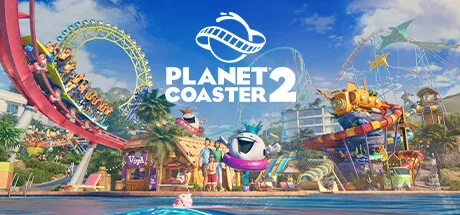 Image: Steam / Frontier Developments
Place the final splash where it contributes to the surrounding area’s atmosphere, and keep the station return easy to follow visually. For a larger themed land, plan another path connection around the mountain so the attraction fits into the area’s circulation.
Finish by viewing the build from the queue, the nearby path, and the ride itself. Adjust scenery that blocks the views you intended to showcase, especially the final drop and the return to the station.
Continue with
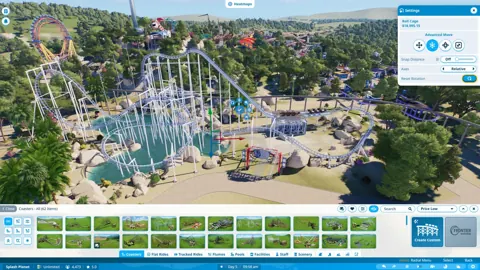 Planet Coaster 2 Rides Guide: Build, Test, and ManageUse this Planet Coaster 2 rides guide to compare Workshop blueprints, understand ride ratings, build smoother coasters, and keep your attractions running.
More in Rides
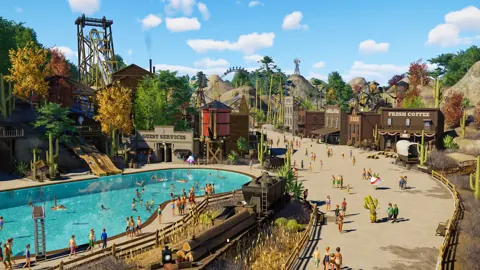
Planet Coaster 2 All Flat Rides: Names and Build Tips
Explore Planet Coaster 2 all flat rides, compare Hellion Ring and Synchronise 2 blueprints, and get useful tips for custom scenery, queues, and lighting.
Planet Coaster 2 Guests Not Using Cable Car? Fixes
Planet Coaster 2 guests not using cable car? Check station paths, staffing, and destination appeal, then troubleshoot stalled cabins with practical steps.
Planet Coaster 2 Suspended Coaster: Models & Build Tips
Find your Planet Coaster 2 suspended coaster, compare Vector models and Toybox Pack content, and plan smoother inversions, scenic layouts, and supports.
Planet Coaster 2 Water Slides: Build and Flume Guide
Build Planet Coaster 2 water slides with tips for all seven slide types, custom flumes, pool endings, testing, and the facilities your water park needs.
Continue exploring
Join the community
Official channels for news, updates and player help: