Planet Coaster 2 Rides Guide: Build, Test, and Manage
Use this Planet Coaster 2 rides guide to compare Workshop blueprints, understand ride ratings, build smoother coasters, and keep your attractions running.
Jump to
Choose Rides That Match Your Guests and Budget
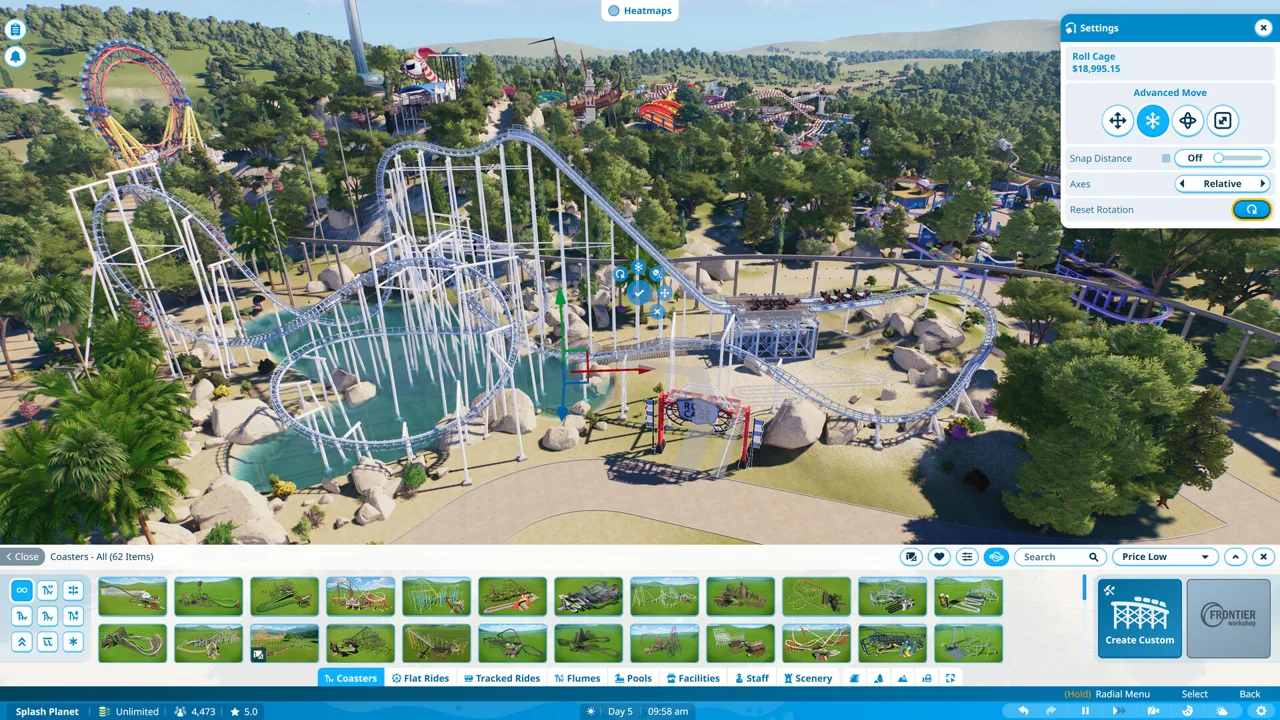
Your next park centerpiece needs more than a dramatic drop. This Planet Coaster 2 rides guide covers attraction choices, coaster testing, Workshop blueprints, and the infrastructure that keeps everything operating. Start with a mix of ride experiences so guests with different tolerances have something to enjoy.
Flat rides provide a straightforward starting point. Teacups introduce ride placement, queue connections, testing, and pricing without requiring a custom track. Add a swinging ride such as Upswing to expand the selection, then move into coaster and water attractions as your budget supports them.
Before opening an attraction, work through its basic setup:
- Position the entrance and exit. Leave room to connect both to your park.
- Connect the entrance with a queue path. Connect the exit with a regular path.
- Check power coverage. Use the power heat map to inspect the attraction’s location.
- Run the ride’s test. Review its ratings before opening.
- Check staffing and nearby facilities. Provide staff break facilities, toilets, food, drinks, seating, and trash cans.
Keep early attractions reasonably close together to limit walking, but leave space for paths to handle growing crowds. Watch operating costs as you expand: every additional attraction also brings staffing and infrastructure needs.
Official page: Planet Coaster 2 (planetcoaster.com)
Read Excitement, Fear, Nausea, and Prestige Together
A high Excitement score tells only part of the story. Guests have different preferences, so compare all the ride metrics before deciding what your park needs next.
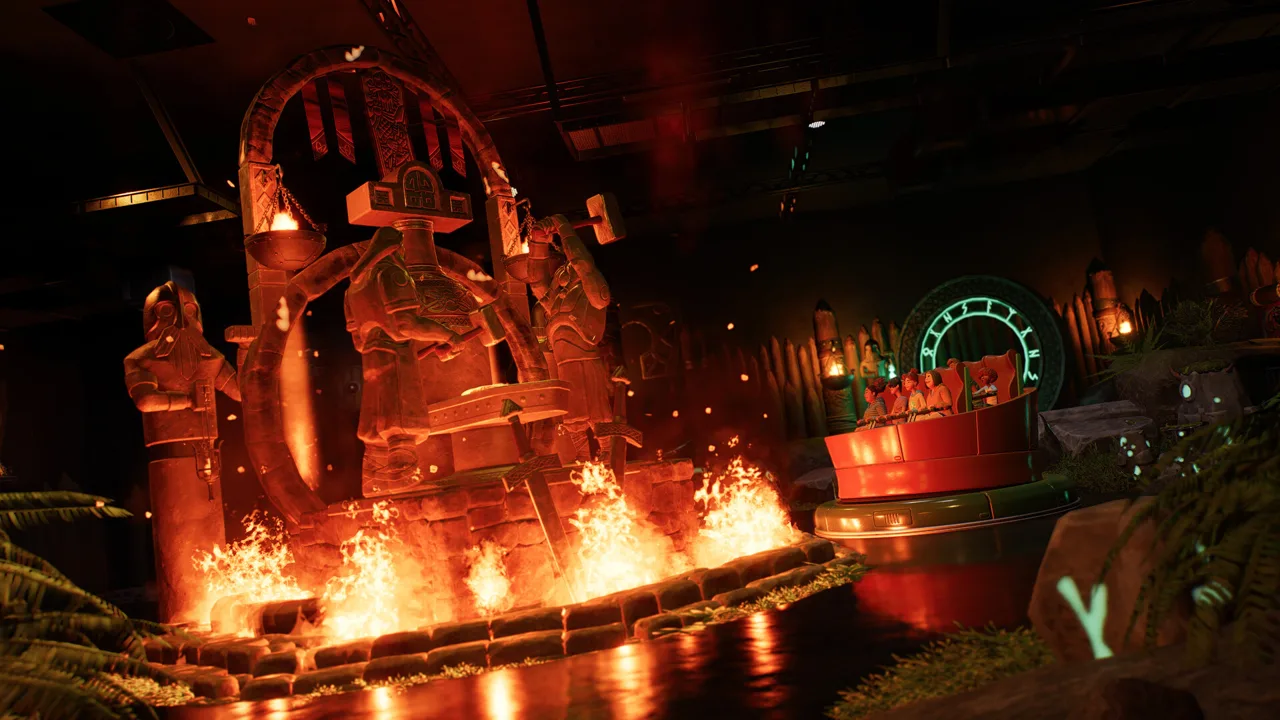 Image: Steam / Frontier Developments
| Metric | What affects it | What to examine |
|---|---|---|
| Excitement | Speed, sudden turns, and close track interactions | Whether the ride adds a different experience to your existing lineup |
| Fear | Large drops and aggressive turns | Whether the intensity fits the guests you want to attract |
| Nausea | Sustained g-forces and frequent inversions | Whether the layout needs gentler transitions or more varied pacing |
| Ride Prestige | Attraction quality, themed scenery, and music | Whether the ride’s presentation needs attention |
For a clear comparison, Accelerator has 2.25 Excitement, 1.13 Fear, and 0.35 Nausea, while Dune Coaster reaches 8.19 Excitement, 6.33 Fear, and 2.63 Nausea. Those are very different experiences. Give guests a choice instead of filling the park with attractions at the same intensity.
Use guest heat maps to spot wider problems, then select individual visitors to read how their group is enjoying the park. Check nausea, energy, hunger, and thirst alongside entertainment needs before assuming another coaster will solve dissatisfaction.
Build Smoother Custom Coasters
Start by choosing a coaster model that supports the layout you want. Different models offer different capabilities, so decide whether you want a conventional lift-hill coaster, a launch layout, or a more specialized ride before drawing the circuit.
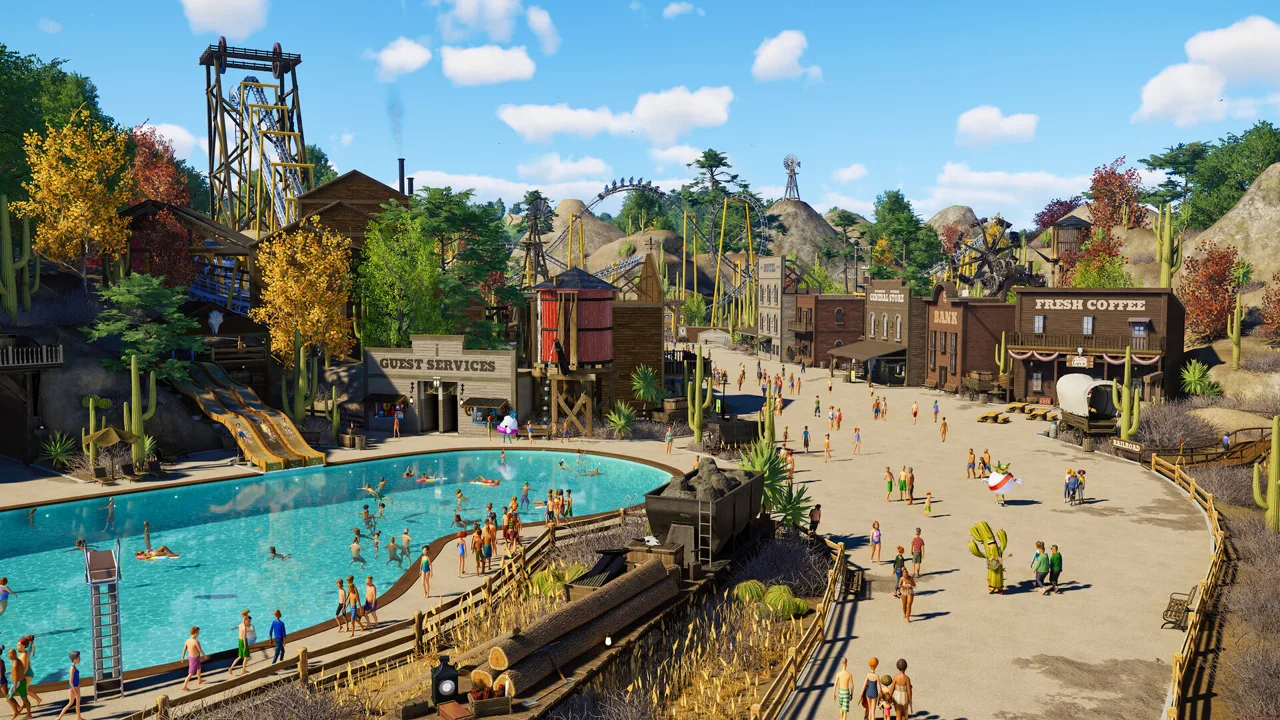 Image: Steam / Frontier Developments
Plan the station and return track
Place the station with its queue and exit connections in mind. For an elevated station, build the approach path first and use it to help align the station’s height.
Reserve space for the final brake run before filling the plot with track. Build backward from the station to establish the return section, then connect the main circuit to it. This gives you a defined endpoint while you shape the rest of the ride.
Give fast sections room to change direction
At the bottom of a drop, the train is moving quickly. Make the transition out of that drop gradual, and use sweeping turns between more demanding elements.
Alternate inversions with turns and airtime sections. On an unpowered circuit, plan smaller later elements as friction reduces the train’s energy, then test whether it carries enough speed through each section.
Put the first drop or a major element within view of the queue to give waiting guests a clear look at the attraction.
Use banking offset and targeted smoothing
Banking offset changes the point around which the track rotates. That matters when building rolls: rotating around the riders’ approximate heartline creates a different motion from simply twisting the rails.
For a sit-down layout, try a 1-meter banking offset while shaping a roll, then inspect the train’s movement through it.
After roughing out an element:
- Select the track section and smooth its overall shape.
- Inspect the entry and exit transitions.
- Smooth smaller neighboring sections where the motion still changes abruptly.
- Recheck height and clearance, since smoothing changes the geometry.
- Test again before adding more track.
For a vertical loop, shape a taller, narrower top with broader transitions near the bottom. Inspect crossings carefully so the train has room to pass beneath or beside other track.
Use Block Sections to Manage Multiple Trains
Adding trains requires a layout and operating setup that can support them. Block sections control access to sections of track, holding a train until the next section is clear.
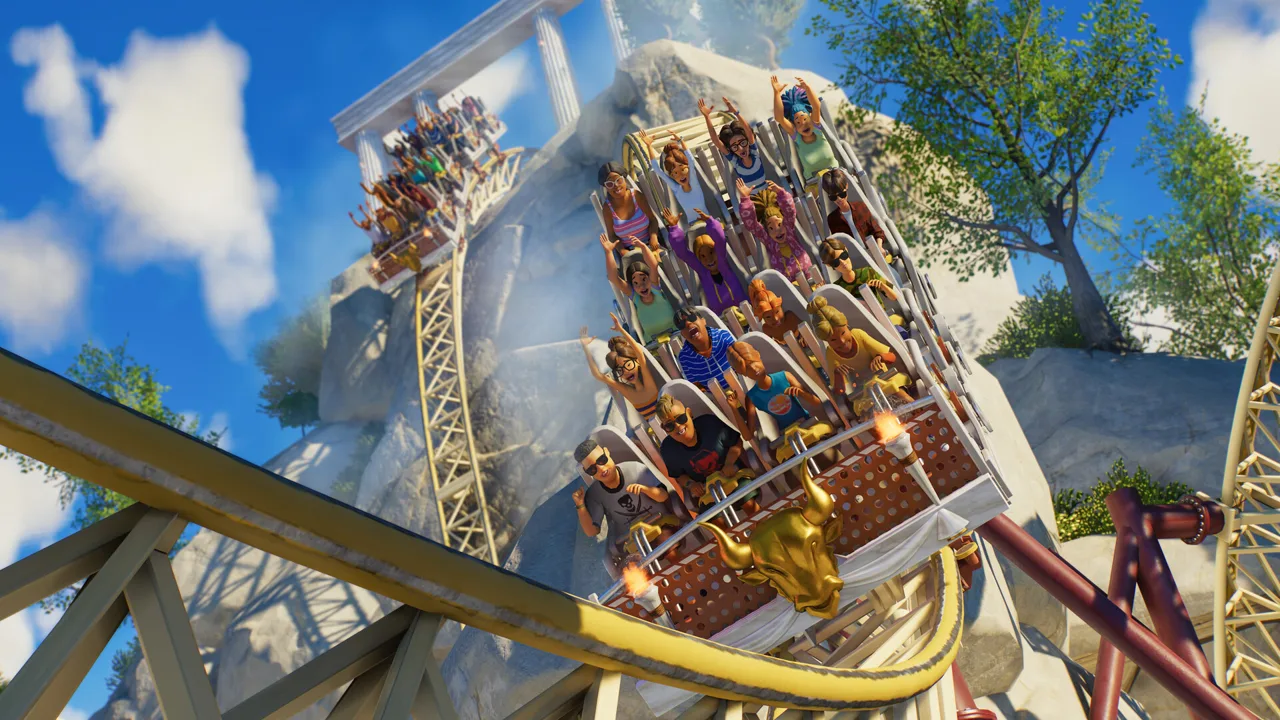 Image: Steam / Frontier Developments
Build brake sections long enough to accommodate the train. In an 18-meter train layout, that means providing at least 18 meters of usable block length; use your own train’s length when planning a different design.
Once the circuit is complete:
- Enable block-section operation.
- Set the number of trains.
- Run the complete system in testing.
- Watch for trains stopping on the lift or stacking near the station.
- Adjust the minimum departure interval and test again.
A 30-second minimum interval works for a layout whose longest block takes that long to clear. Measure the timing of your own circuit before applying that value.
Avoid selecting the maximum train count automatically. Watch whether additional trains improve the flow or simply spend more time waiting.
Compare Frontier Workshop Ride Blueprints
Frontier Workshop lets you download coasters, flat rides, pools, flumes, scenery, and complete parks. Log in to a Frontier account through the Workshop portal in the ride menus to access shared creations.
Test downloaded blueprints in Sandbox before committing campaign funds. Workshop browsing does not display the ride statistics and construction prices needed for a full comparison; placing and testing the blueprint gives you those details.
These designs offer a useful spread of construction costs and ride ratings:
| Blueprint | Share Code | Build Cost | Excitement | Fear | Nausea |
|---|---|---|---|---|---|
| Jaw’Some | 39YPWWVBF | $98,263.53 | 6.41 | 3.97 | 1.14 |
| Throwing Knives Hellion Ring | 8YVH81H6B | $6,328.50 | 4.13 | 5.00 | 4.48 |
| Accelerator | 1NJRFGP10 | $56,069.54 | 2.25 | 1.13 | 0.35 |
| Loki | 8BJ3NVM0X | $10,163.50 | 2.97 | 3.0 | 2.02 |
| Rambukk | 60F3037RV | $57,370.92 | 5.42 | 3.03 | 0.82 |
| Dune Coaster | 891CTB6P8 | $101,313.82 | 8.19 | 6.33 | 2.63 |
Look beyond the track
Jaw’Some includes a shaded queue, tropical scenery, a Gift Shop, and Gelato Bros with seating. Inspect the entire blueprint’s footprint when placing it, including the space around those facilities.
Throwing Knives Hellion Ring has a runtime of 144.35 seconds and combines a relatively compact footprint with a much lower construction price than the coasters in the table.
Loki uses the Synchronise 2 ride with Norse scenery and synchronized flame and water effects. Rambukk, a Vector Sit Down (Four-Seater), continues the Viking theme with a battering-ram design and covered queue areas.
Dune Coaster reaches 123.1 mph and can earn Not For The Faint-Hearted and In a Word, Whoooosh through its extreme speed and Excitement rating.
If a blueprint’s scenery pushes construction beyond your budget, remove selected decorative pieces in Sandbox and resave the design. Revisit its presentation afterward: scenery contributes to Prestige, so trimming the build also changes part of its appeal.
Support Pools and Flumes With Waterpark Facilities
Pools and slides bring additional management demands. Plan changing facilities, lifeguards, shade, sunscreen access, and water infrastructure alongside the attractions.
For water cleanliness, place a water pump and a filter, connect them, and position the filter within reach of the pool. Check the water and water-cleanliness heat maps after setup.
Power needs attention too. A distributor extends coverage, but your generators still need enough capacity for the connected attractions and facilities. Inspect both coverage and available capacity when a ride reports insufficient power.
Viking Mythical Pool blueprint
Viking Mythical Pool, share code 4CXJ8WN49, costs $20,031.76 and combines a pool, two Body Flumes, and a Body Slide.
| Slide | Excitement | Fear | Nausea |
|---|---|---|---|
| Body Flume 1 | 5.74 | 2.97 | 2.2 |
| Body Flume 4 | 6.0 | 3.74 | 2.25 |
| Body Slide 1 | 5.26 | 1.88 | 1.95 |
The blueprint includes shaded loungers and themed scenery. Check its access paths and lifeguard coverage before opening, then inspect guest movement around the pool.
When drawing a deck around an existing pool, work in small segments. Turn merging off when you need to preserve the pool’s existing shape rather than replace the area beneath the new path.
Check Ride Fixes Before Rebuilding
For problems involving Silver Screen Pack attractions and related ride functionality, check your game version before dismantling a troublesome build. Update 11 Hotfix 15, released August 25, 2026, includes these changes:
- Fourth Wall: The Spin Cabin sequence now performs the selected action instead of Raise Up and Spin Down.
- Studio Tour and Re-Motion: Load/Unload Stations have been added.
- New-Gen Flying Coaster: Left loading stations now include brakes and drive tires.
- Phoenix: The blueprint placement issue involving an intersecting-terrain warning has been fixed.
- Fourth Wall and Cinema: Custom music playback has been fixed.
For an attraction that still will not operate, inspect its queue and exit connections, power coverage, generator capacity, staffing, and testing status. Use the relevant heat map to narrow down the problem before changing the ride’s layout.
Continue with
 Planet Coaster 2 Suspended Coaster: Models & Build TipsFind your Planet Coaster 2 suspended coaster, compare Vector models and Toybox Pack content, and plan smoother inversions, scenic layouts, and supports.
More in Rides
Planet Coaster 2 All Flat Rides: Names and Build Tips
Explore Planet Coaster 2 all flat rides, compare Hellion Ring and Synchronise 2 blueprints, and get useful tips for custom scenery, queues, and lighting.
Planet Coaster 2 Guests Not Using Cable Car? Fixes
Planet Coaster 2 guests not using cable car? Check station paths, staffing, and destination appeal, then troubleshoot stalled cabins with practical steps.
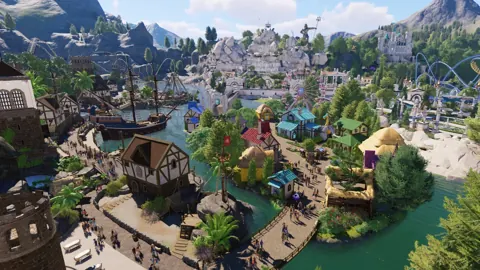
Planet Coaster 2 Narrow Log Flume Ride: Build Tips
Build a Planet Coaster 2 narrow log flume ride with mountain scenery, varied drops, and useful checks for unexpected closures and dispatch interval resets.
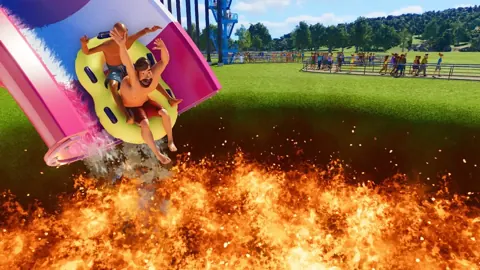
Planet Coaster 2 Water Slides: Build and Flume Guide
Build Planet Coaster 2 water slides with tips for all seven slide types, custom flumes, pool endings, testing, and the facilities your water park needs.
Join the community
Official channels for news, updates and player help: